Ready
When Cyberattacks Disrupt Stores and Banks: A Household Readiness Guide (2026)
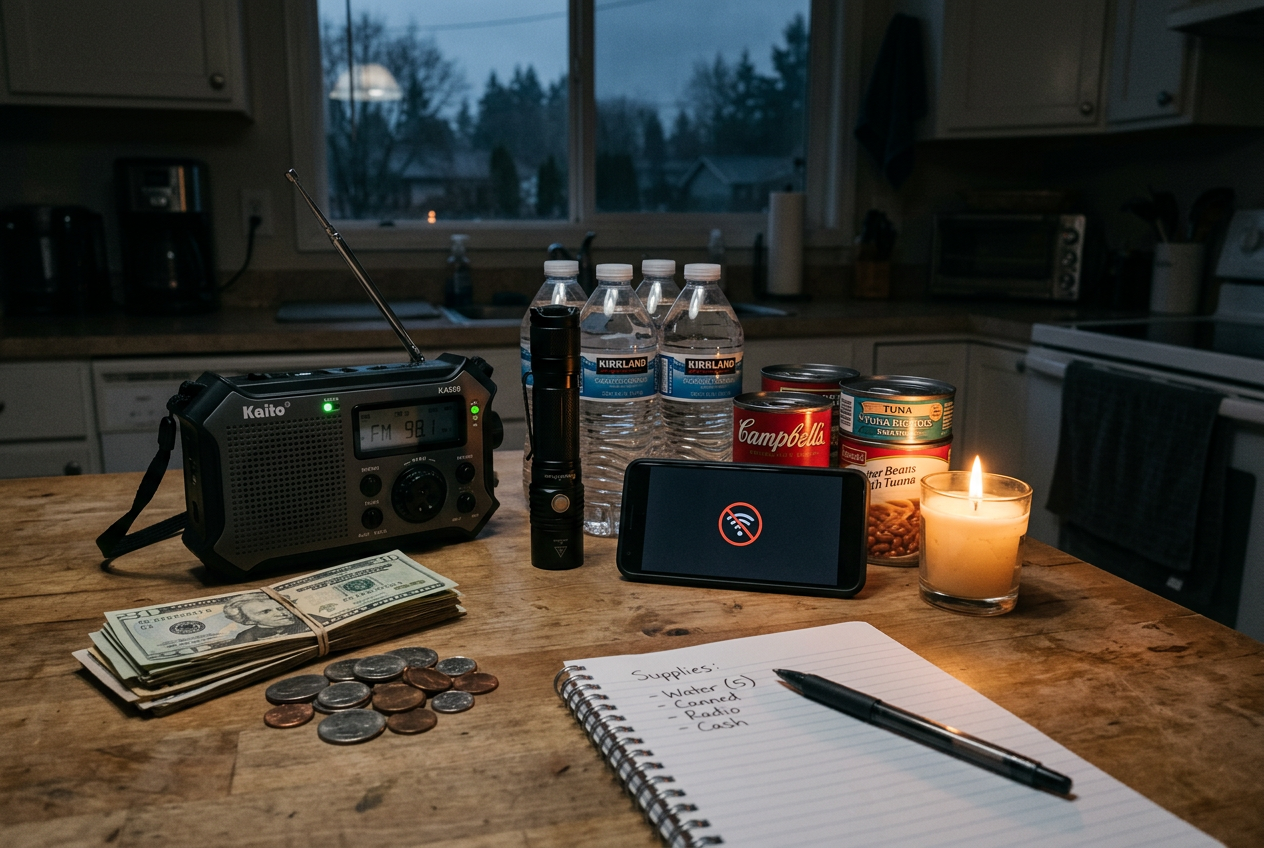
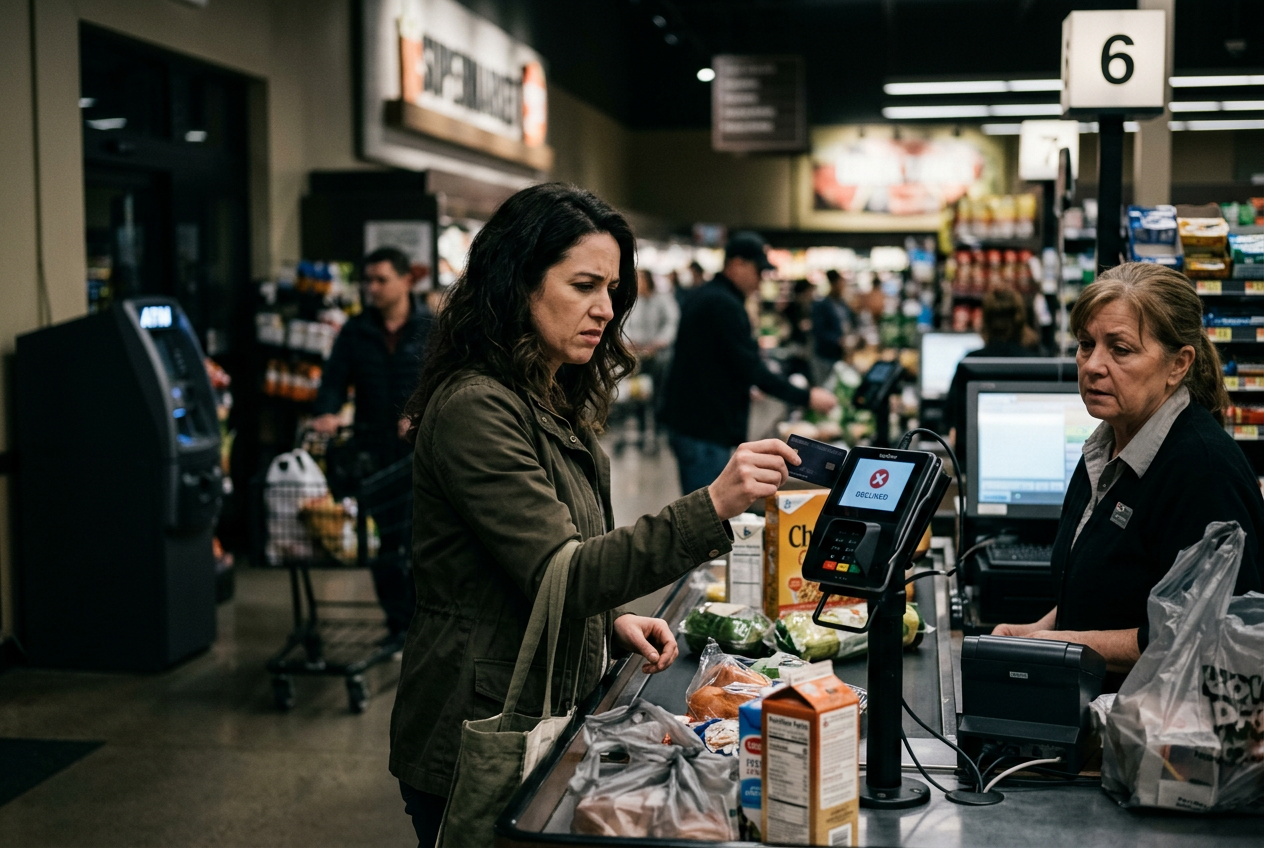
Picture this. You walk into your local store to grab a few things. At the register, the card reader is down. You try the ATM next door, and it will not work either. The store cannot take cards. The bank’s website is offline. This is what a cyberattack can look like for everyday shoppers.
This is not a far off worry. In late 2026, news outlets like the BBC, Bloomberg, and The Independent reported that the UK government asked families to keep a few days of food, water, and cash on hand. The reason was simple. Cyberattacks had knocked payment systems and government websites offline. US households face the same risks. When card readers and ATMs go dark, cash is the one thing that still works.
This guide is not about panic. It is about being ready to buy what you need and stay informed during a short disruption. Most outages are temporary. A little planning makes them much easier to handle.
Here is what we will cover. You will learn how to keep a small cash buffer you can actually use. You will build an offline record of key accounts and numbers. You will keep your phones charged and find ways to get news when apps go dark. We will also look at simple backup power and radio options. Every step here is something an ordinary household can set up today.
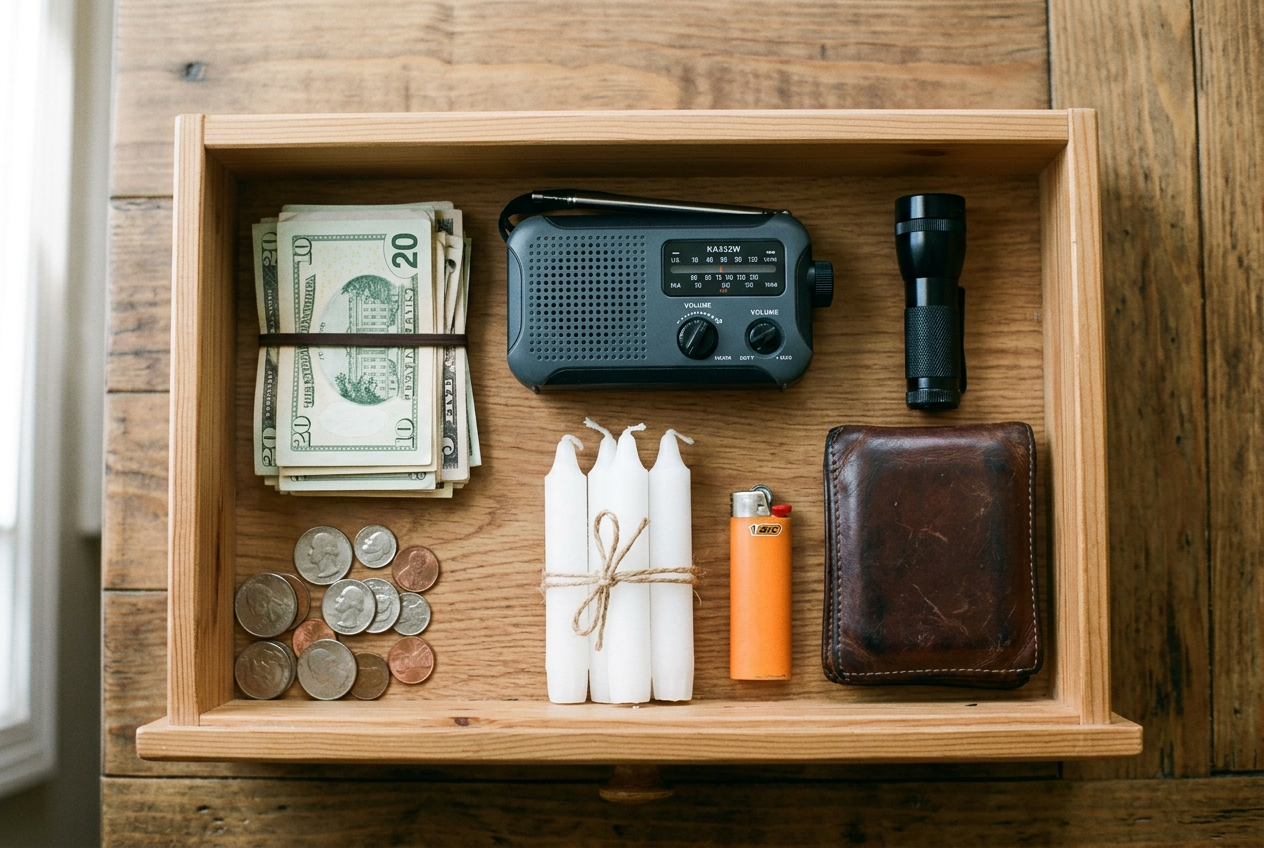
- Keep some cash in small bills at home, since a cyberattack can freeze card readers and ATMs for days.
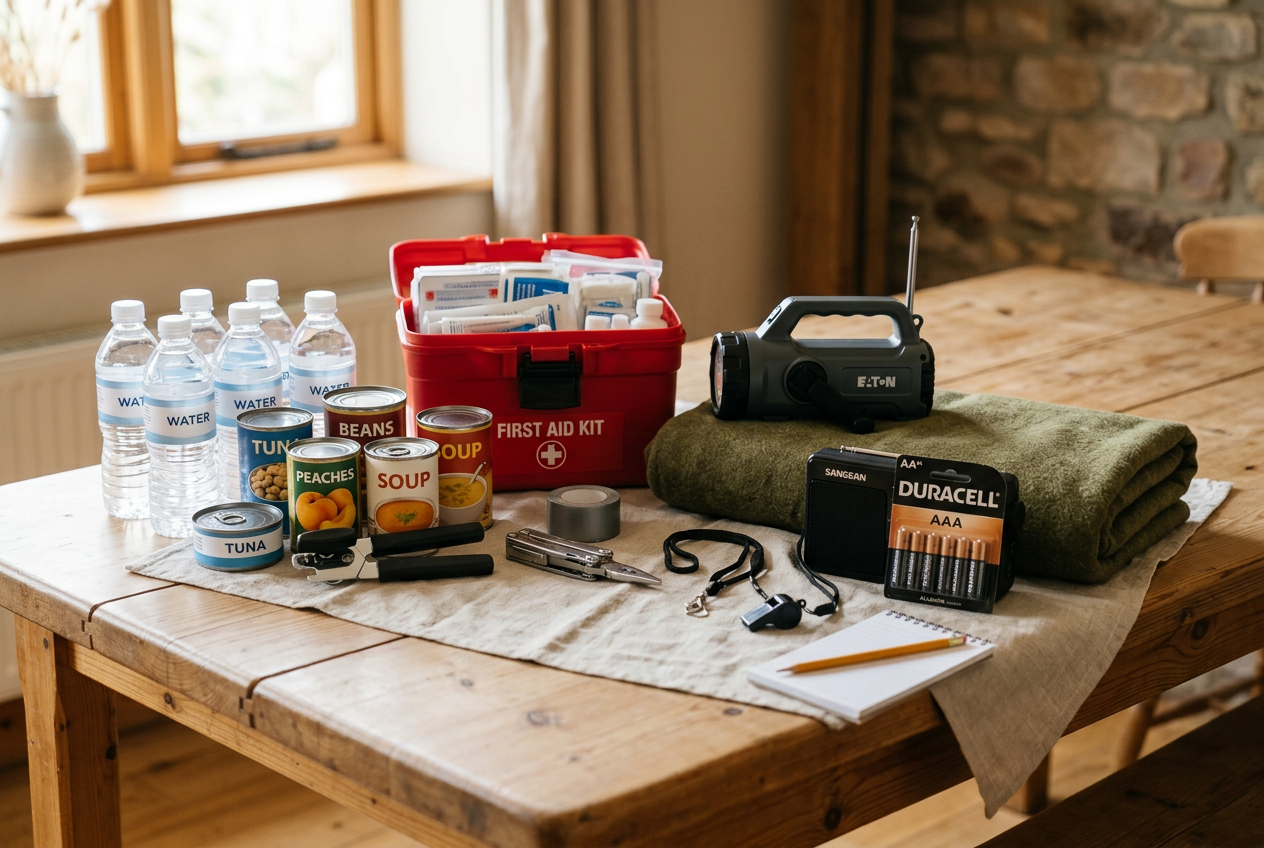
- Store at least 3 days of food, water, and any medicine your family needs.
- Have a way to get news without the internet, like a hand crank NOAA weather radio.
- Keep your phones and small devices charged with backup power banks and solar charging options.
- Write down important phone numbers and keep paper copies of key documents in case systems go down.
One practical preparedness move each week. No fear-mongering, ever.



Reviewed by Elena V., Priya K. & Beth O. — contributors with hands-on preparedness experience. How we test
A few key items now can keep your household running when stores and banks go dark. Here is the gear to grab, and below you will see exactly why each one matters.

FosPower Solar Crank Radio
This radio pulls in AM, FM, and NOAA weather alerts even when the internet and power are out. Its 7400mWh power bank, solar panel, and hand crank keep your phone going and light your way during a long outage.
Check Price on Amazon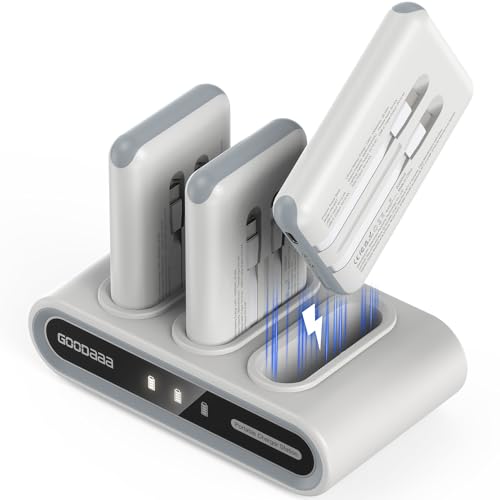
GOODaaa 3-Pack Power Banks
This set gives your whole family backup power with three 10,000mAh banks and built-in cables. It can charge up to 9 devices at once, so everyone stays reachable when stores and banks are offline.
Check Price on Amazon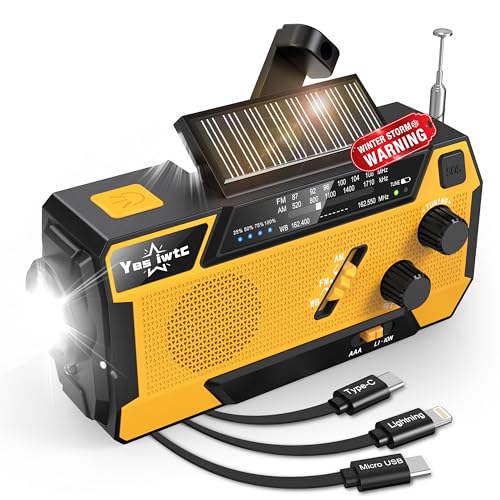
Hand Crank Radio With Cables
This crank and solar radio brings in AM, FM, and NOAA weather updates with no internet needed. It has 3 built-in charging cables and a 7400mWh battery, so you can power small devices right away during an emergency.
Check Price on AmazonIn this guide
Why Trust This Guide?
This article was researched and reviewed by contributors with hands-on experience in emergency preparedness. They have tested gear, built real systems, and lived through situations where these skills actually mattered.
What a Cyberattack Actually Disrupts at the Store and Bank
A cyberattack sounds scary, but the day-to-day problem for most households is simple. For a short time, you may not be able to pay the way you normally do. Let’s walk through what that really looks like.
The checkout counter
When you tap or swipe a card, a lot happens behind the scenes. The store’s card reader talks to a payment network. That network checks with your bank. If any part of that chain goes down, the reader can’t finish the sale. You might see an error. You might be told the system is “down.” The clerk may ask for cash instead.
This can hit one store or a whole chain. It depends on which system is affected. The point is that your card may not work for a while, even if nothing is wrong with your card.
The ATM and the bank branch
ATMs rely on the same kind of connection. If the network they use is disrupted, the machine may not give you cash. A bank branch can have trouble too. Staff may not be able to pull up your account or process certain requests until systems come back.
Online banking and apps
Many people bank by phone or computer now. During an attack, a bank’s website or app can slow down or stop working. You may not be able to log in, check your balance, or move money between accounts. Transfers and bill payments may be delayed.
Recent news reports from the UK describe attacks that knocked some government websites offline and pushed officials to tell families to keep cash on hand. US households face the same kind of risk with card readers and ATMs. The lesson is the same on both sides of the Atlantic. Have a backup way to pay.
Government and other online services
Some attacks also hit government websites. That can make it harder to reach certain services online for a short time. This is usually temporary, but it adds to the hassle when it happens at the same time as a payment outage.
Your money is usually still safe
Here is the part that helps you stay calm. An outage is not the same as losing your money. In most cases, the money in your account is still there. You just can’t reach it for a day or two. Your balance does not vanish because an app is down.
Think of it like a locked door, not an empty room. The problem is access, not the money itself. Once systems come back, you can tap, swipe, and transfer again.
Picturing this plain scenario makes the rest of this guide easy to follow. The goal is not to panic. The goal is to have a few simple backups ready. A little cash, some offline records, and charged devices can carry your household through a short outage without much stress.
Keep a Small Cash Buffer You Can Actually Use
When a cyberattack hits a payment network, card readers can stop working. The chip on your card may be fine. The problem is the system that approves the payment. If that system is down, the store cannot take your card at all. The same thing can happen at the pump and at the pharmacy counter.
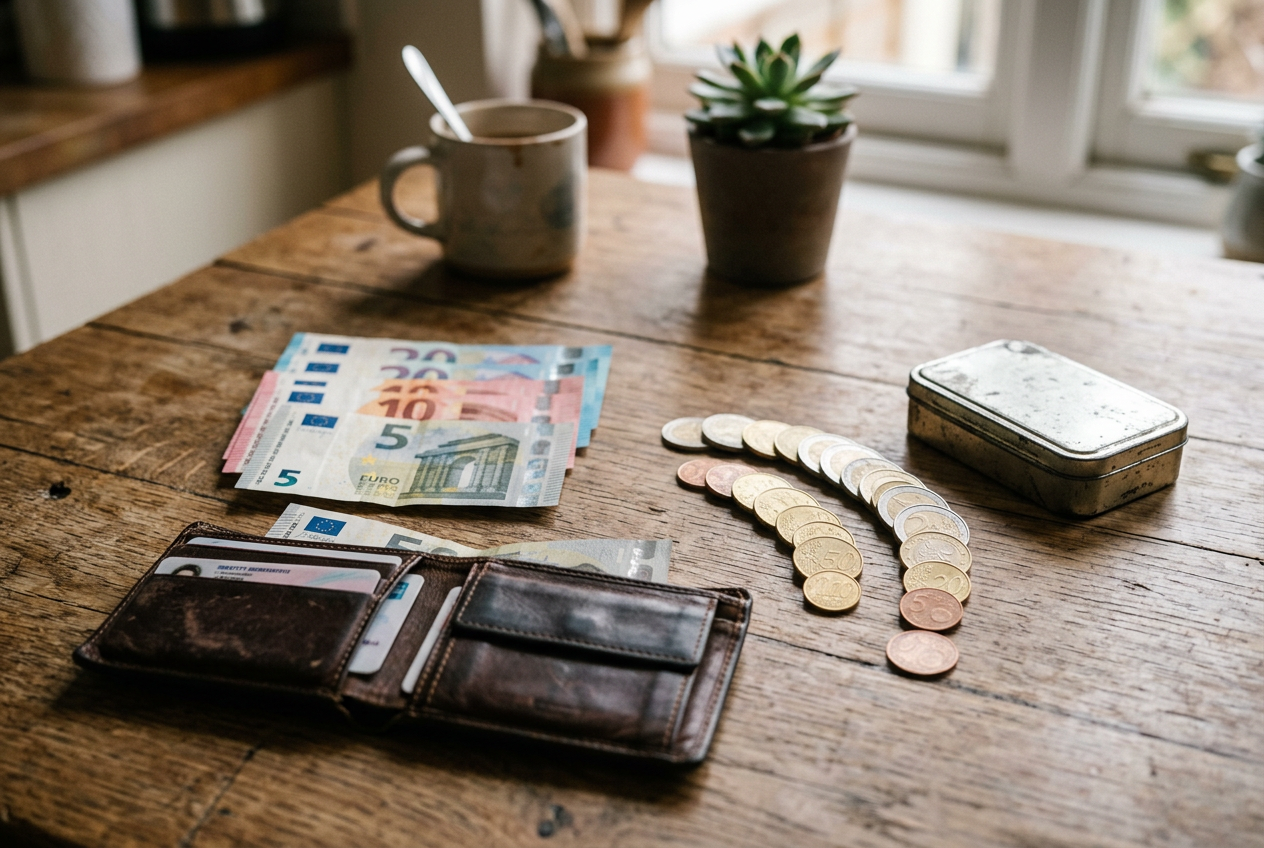
In those moments, cash still works. A dollar bill does not need the internet. News reports in the UK describe governments urging families to keep some cash on hand for exactly this reason, after cyberattacks knocked payment systems and government sites offline. The same card-reader risk exists for US households. A small cash buffer gives you a way to buy what you need when the screens go dark.
Why small bills matter
Here is a detail many people miss. When card systems fail, stores often cannot make change the way they normally do. Their registers may be offline too. If you hand over a large bill for a small purchase, the clerk may not be able to break it. You could lose the sale or overpay.
So the goal is not just cash. It is small bills. Think ones, fives, and tens. A roll of quarters can help too. Small money lets you pay close to the exact amount. That makes checkout simple for you and the store.
How much is enough
You do not need to hoard cash. That is not the point here. Aim for enough to cover a few days of basics. Think about what your household actually buys in a short window:
- Groceries and water
- Fuel for your car
- Prescriptions and other health needs
- Small items like batteries or over-the-counter medicine
Add up a rough few-day total for your family. Keep that amount in small bills. There is no magic number that fits everyone. A larger household with young kids needs more than one person living alone. Pick an amount that feels reasonable for your real spending, then stop there.
Store it safely and keep it quiet
Do not keep all your cash in one place. Split it up. Carry a small amount in your wallet or purse. Keep the rest in a safe spot at home.
Choose a home spot that is not obvious. A locked box, a drawer that locks, or a small home safe all work. Keep it away from the front door and away from plain sight. Do not post about your cash stash online or tell people outside your household. Being discreet is part of keeping it safe.
Check your buffer now and then. If you spend some during a normal week, refill it. Small, steady habits beat a last-minute scramble. The idea is simple. Keep a little real money ready, in small bills, stored safely, so a card outage does not leave you stuck.
Build an Offline Record of the Accounts and Numbers You Need
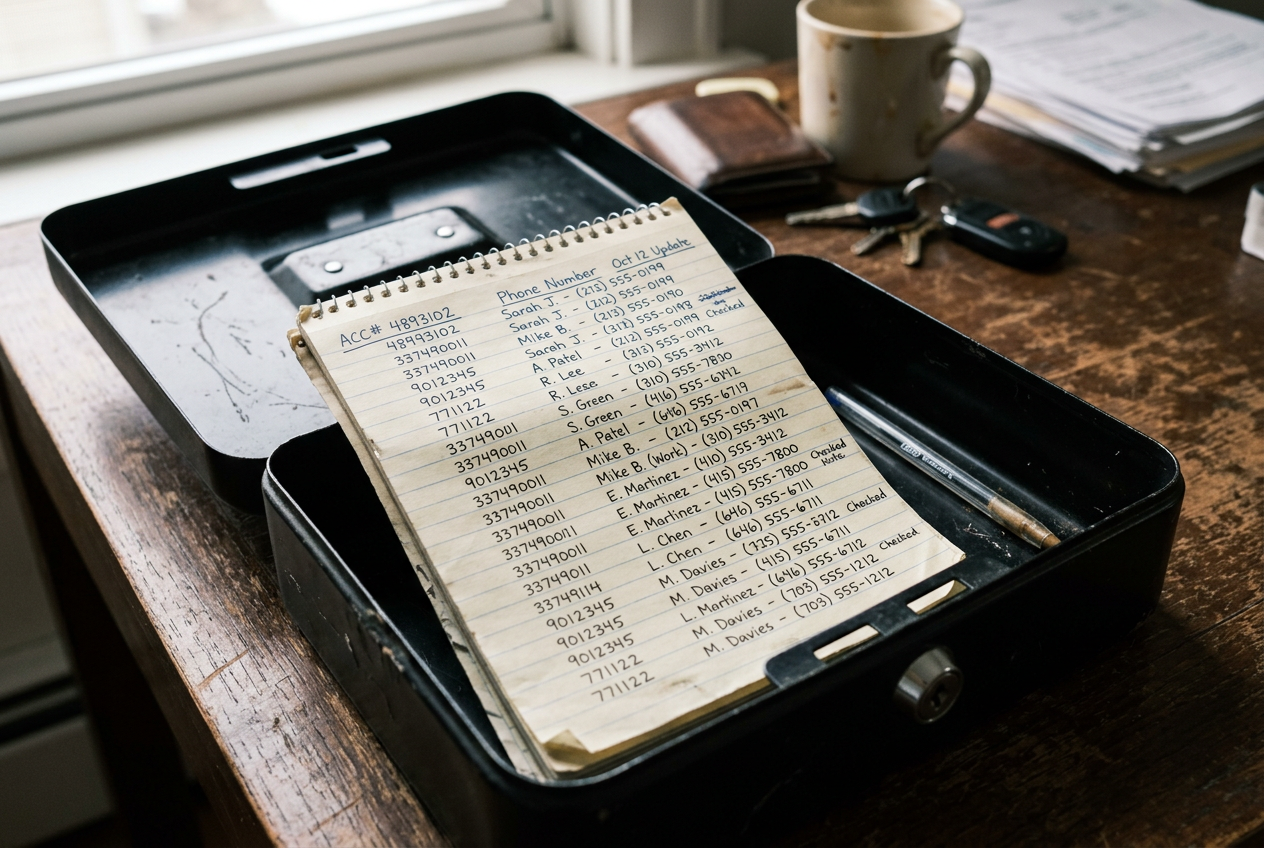
When a cyberattack hits, websites and apps can go dark. You may not be able to log in to your bank. You may not reach your insurance company’s online portal. If all your account details live only on your phone, you could be stuck. A simple paper record fixes this. It costs nothing to make, and it helps during any outage, not just a cyberattack.
Why paper beats your phone alone
Your phone is handy, but it has weak points. The battery can die. The network can drop. An app can go offline if the company’s systems are down. Some banking apps even lock you out when they detect odd activity. Paper does not need power or signal. It works when everything else stops. Think of it as a backup, not a replacement. Keep using your apps every day. Just do not let them be your only copy.
What to write down
Grab a pen and a notebook or a few sheets of paper. Write down the details you would need if you could not log in anywhere. Here is a good starting list:
- Your bank and credit union names, plus account numbers.
- The phone number on the back of each debit and credit card. This is the number to call for lost cards or fraud.
- Your main bank’s customer service line.
- Insurance company names, policy numbers, and claims phone numbers.
- Your utility company account numbers and contact lines.
- Key personal contacts, like family members, a close friend, and your doctor.
- Any loan or mortgage account numbers.
Write clearly. Double check each number against your statement or card so you do not copy a wrong digit.
How to store it safely
This record holds sensitive details. Treat it like cash. Do not leave it on the kitchen counter or in your car. A locked drawer, a small safe, or a fireproof box at home are all good spots. Some people keep a copy with a trusted family member who lives nearby.
Do not write your full passwords or PINs on this sheet. Account numbers and phone lines are enough to get help. If someone finds the paper, you do not want to hand them the keys to your accounts too.
Keep it current
Accounts change. Cards get replaced. Policies renew with new numbers. Set a reminder to check your record once or twice a year. Update anything that has changed. Toss old sheets by shredding them, not tossing them whole in the trash.
This step takes maybe thirty minutes. It is one of the easiest things on your readiness list, and it pays off the moment you cannot log in. When the apps come back, you will be glad you had a backup that never needed a signal.
Keep Phones and Devices Charged When the Grid or Networks Wobble
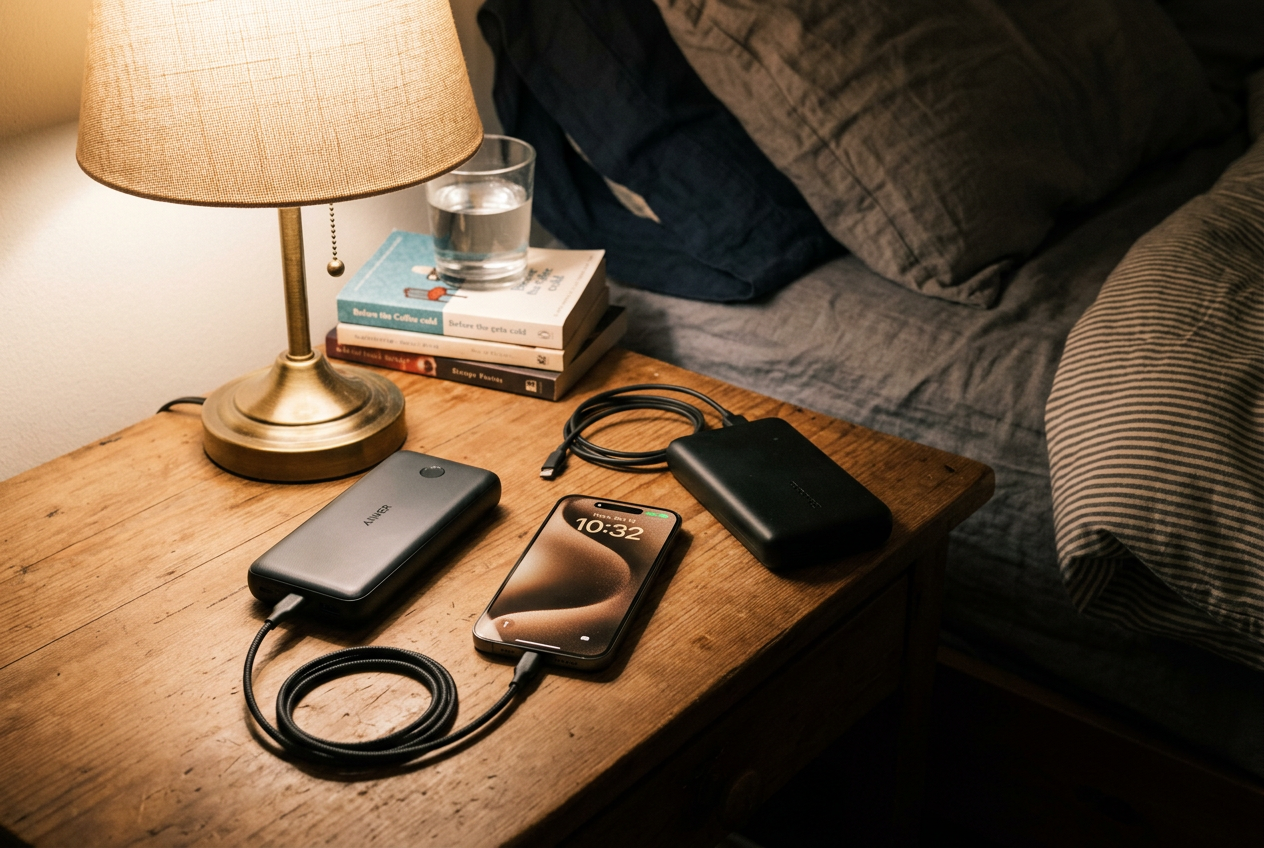
Your phone is your lifeline during a cyberattack. You may need it to call your bank, check official updates, or make a mobile payment once systems come back online. A cyber disruption can also strain power or networks at the same time. That makes a charged phone even more important.
Here is the simple goal. Keep your phone and a backup battery topped up before trouble starts. A dead phone helps no one. A charged phone keeps you connected and ready to act.
Charge Up Before You Need It
Build a habit of charging ahead of time. Plug in your phone each night. Keep it above half full during the day when you can. If you hear about store or bank outages in the news, that is a good time to top everything up while the power is still on.
A power bank is a small battery you charge at home. You carry it with you. When your phone runs low, you plug it into the power bank instead of a wall outlet. This matters most when you are away from home or when power is spotty.
Charge your power banks on a set schedule. Many people forget and reach for a dead battery when they need it most. Pick a day each week to recharge them. Store them where you can grab them fast.
The Grab-and-Go Swap Habit
One easy trick is to keep more than one power bank. When one runs low, you swap it for a full one. The drained bank goes back on the charger. This way you always have a full battery ready.
Some kits are built around this idea. The GOODaaa power hub comes with three 10,000mAh power banks and a docking station. The dock charges all the banks at once. You grab a full one on your way out and dock the used one when you get home. For a family with several phones, this keeps everyone powered without much thought.
If you want one slim battery to carry every day, a single fast-charging power bank works well. The INIU 10000mAh pack is compact and light. It uses a detachable USB-C cable, so you can swap the cord if it ever breaks. Fast charging means your phone gets back to a useful level quickly, which helps when you only have a short window to charge.

Keep It Simple
You do not need a lot of gear. One or two power banks and a steady charging habit cover most households. Keep your phone charged, keep a backup battery ready, and you will stay connected when stores, banks, or networks have a bad day.
Stay Informed When Websites and Apps Go Dark
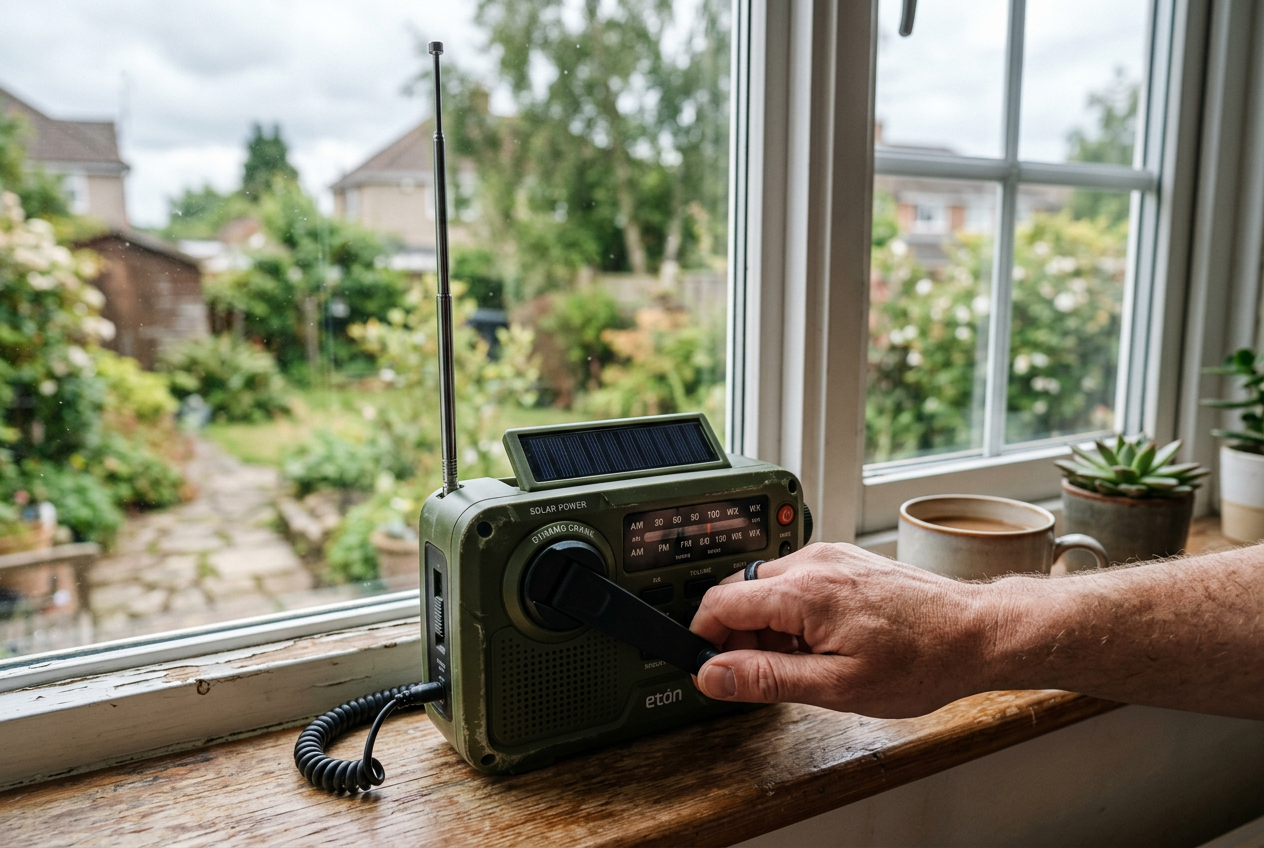
A cyberattack can knock government sites and news apps offline. When that happens, your phone may not pull up the updates you need. The internet might work in fits and starts. Or it may be down for everyone in your area. You still need a way to hear what is going on.
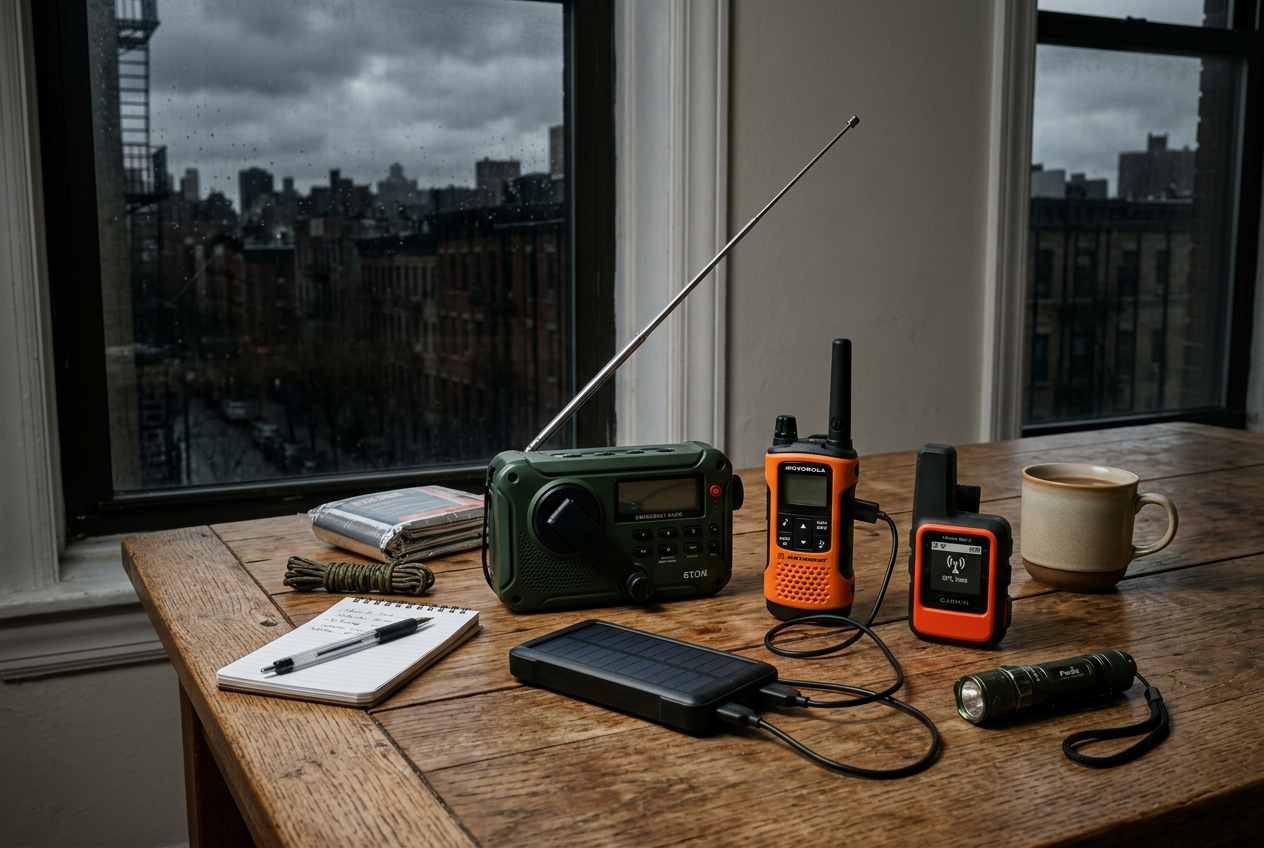
A radio that does not need the internet is the answer. AM and FM stations broadcast over the air. So does NOAA, the National Oceanic and Atmospheric Administration. NOAA sends out weather and hazard alerts all day. A hand-crank or solar radio can pick up these signals even when apps fail. You do not need Wi-Fi. You do not need a cell signal. You just need the radio and its antenna.
Why a crank or solar radio helps
These radios make their own power. You turn a crank by hand. You set the solar panel in the sun. That means you can listen even during a long power outage. Many of these radios also hold a small battery that can charge a phone in a pinch. That extra boost may be enough to send a text or check for a message when networks come back.
Do not expect a crank radio to fully charge a phone fast. The hand crank gives a small amount of power. It is meant to help, not replace a wall charger. Still, a little power can matter a lot when the grid is down.
Choosing a radio
Look for a radio that gets AM, FM, and NOAA weather bands. More power sources mean more ways to stay running. Crank, solar, USB, and AAA batteries all help. A built-in flashlight is a handy bonus.
The FosPower radio has a 7400mWh power bank, three power sources, and two light sources. It can send a small boost to a phone or tablet.
This model has built-in charging cables, so you do not have to hunt for a cord. It includes Lightning, USB-C, and Micro USB cables. It charges by USB-C, crank, solar, or AAA batteries.
This option has a larger 12000mAh battery and a bigger solar panel. The bigger battery holds more backup power for your phone. It also has a two-mode flashlight and dual outputs.

Keep it ready
A radio only helps if it works when you need it. Test it a few times a year. Charge it full by USB. Then top it off with the crank or solar panel so you know both work. Keep fresh AAA batteries nearby as a backup. Store the radio somewhere easy to reach, not buried in a closet. Write your local AM and FM station numbers on a card and tape it to the radio. That way you tune in fast when the apps go dark.
Backup Power and Radio Options Compared
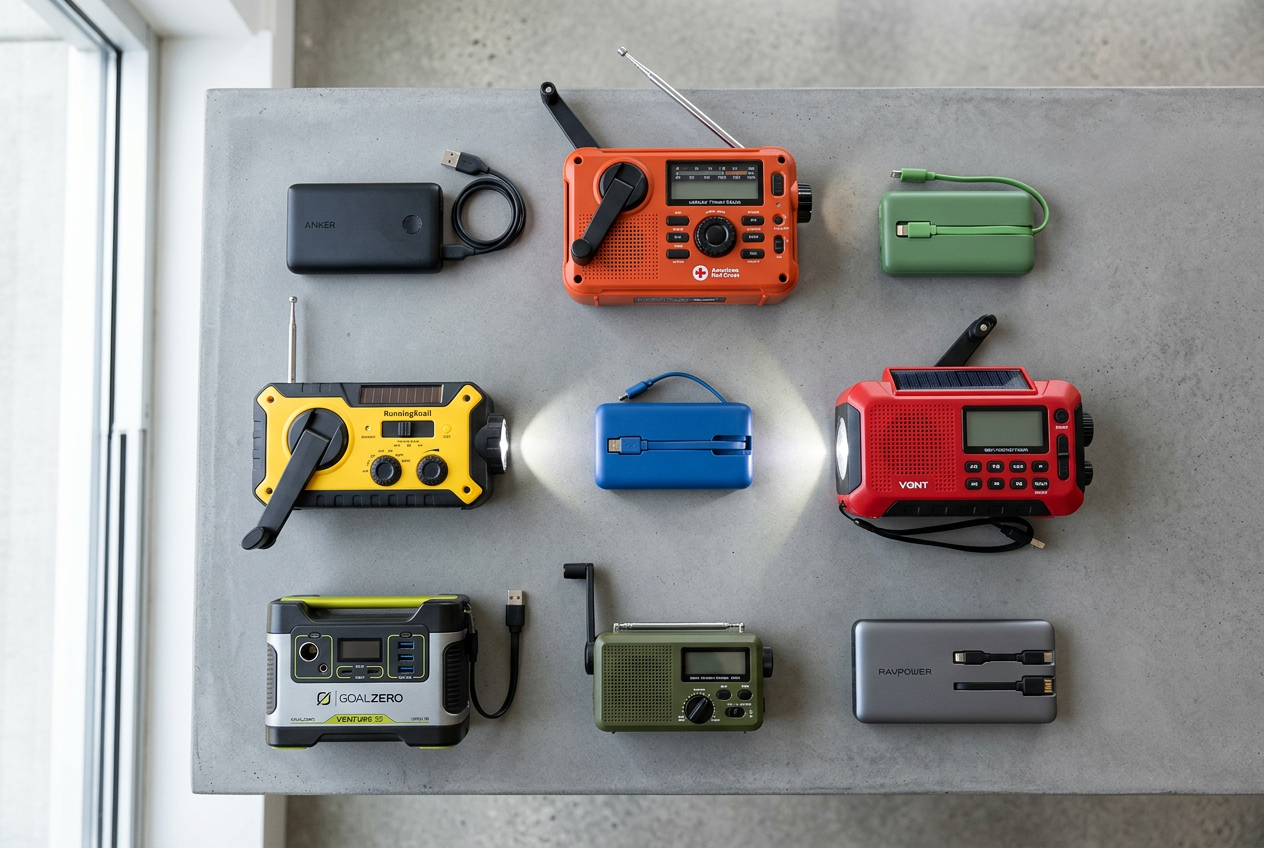
When payment systems or networks go down, two needs come up fast. You want your phone charged. And you want a way to hear news when apps and websites go dark. Different products solve these needs in different ways. Some focus on raw charging power. Others add a radio that works without the internet or cell service. Here is a quick look at the options you may reference in this article.
Power banks for staying charged
If your main goal is keeping phones alive, a power bank is simple and reliable. The GOODaaa set gives you three 10,000mAh batteries plus a dock that recharges them all at once. That makes it a good fit for a family with several phones. You grab a charged pack on your way out and dock the empty one when you get home.
The INIU 10000mAh pack is smaller and lighter. It charges fast and uses a detachable cable you can swap if it breaks. This is a good pick for one person who wants something small to keep in a bag.
Radios that charge and inform
If staying informed matters most, a hand crank radio does double duty. These radios pick up AM, FM, and NOAA weather bands. That means you can hear alerts even when your phone has no signal. Most also hold a battery that can top off a phone in a pinch, and many have a flashlight built in.
The FosPower radio has a built-in battery, solar panel, hand crank, and AAA battery backup. It also includes a flashlight and reading light. The B0C9L7RKM6 radio adds three built-in charging cables, so you do not have to hunt for a cord. The B0F4QW1PP1 radio has the largest battery and a bigger solar panel for faster sun charging.
Compare the options
How to choose
Think about your main problem. If you just need to keep phones charged, pick a power bank. The GOODaaa set suits a whole family. The INIU suits one person on the go.
If you want to hear news and alerts when networks fail, choose a crank radio. Keep in mind that crank and solar charging is slow. These radios are best for short top-offs and for hearing broadcasts, not for fully charging a dead phone again and again. Many households keep both: a power bank for charging and a radio for news.
Protect Your Accounts So You’re Less Likely to Be a Target
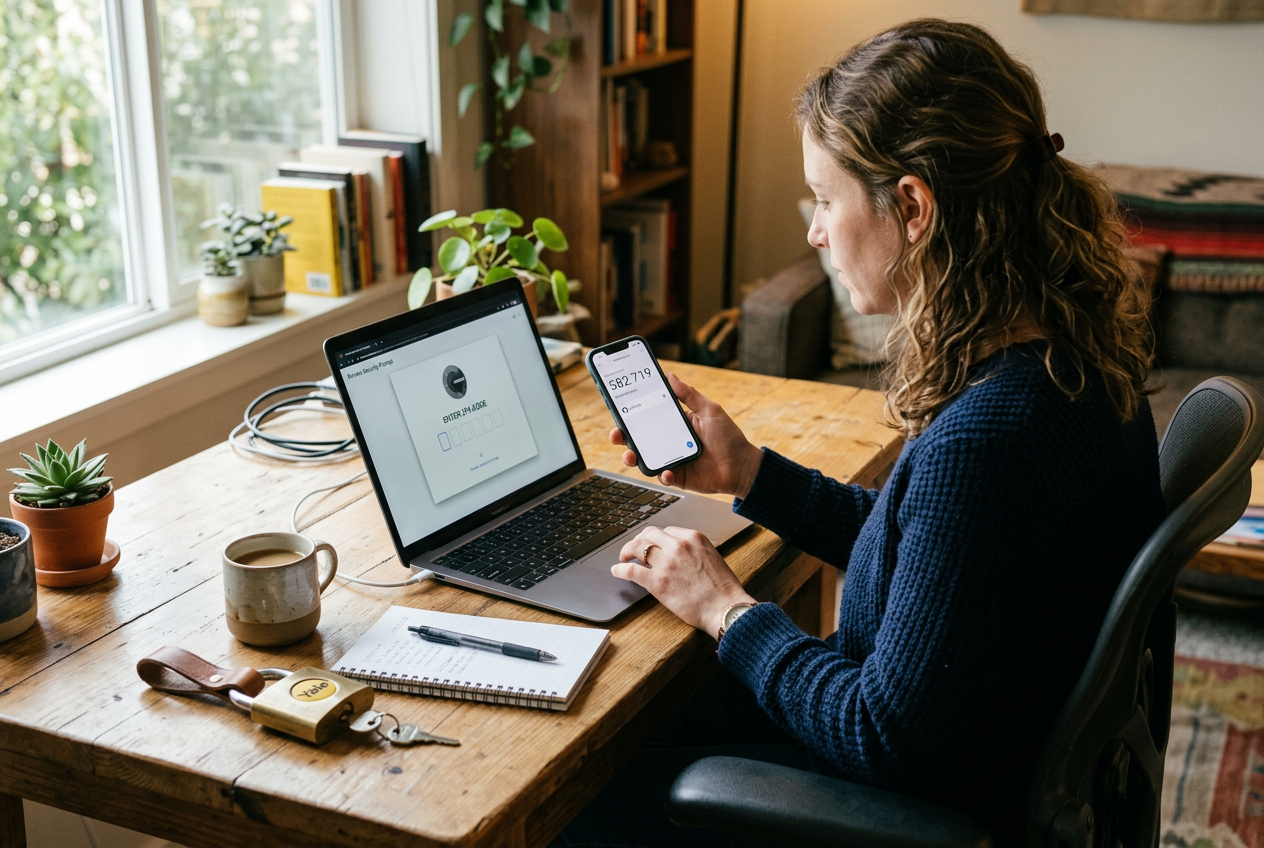
A cyberattack can shut down stores and banks even if you did nothing wrong. But good account habits still matter. They make it harder for a thief to reach your money. They also help you spot scams that spike during big news events. When banks are in the headlines, criminals send more fake messages hoping you will panic and click.
Here are the basics. None of them cost money.
Use Strong, Unique Passwords
A password is the key to your account. A weak key is easy to copy. A strong password is long and hard to guess. Aim for a mix of words, numbers, and symbols. Avoid names, birthdays, and simple words like “password123.”
The word “unique” matters too. Use a different password for each account. If you reuse one password everywhere, a thief who steals it from one site can open all your doors. Your bank, your email, and your phone account should each have their own password.
Remembering many passwords is hard. A password manager can help. This is an app that stores your passwords in one locked vault. You only need to remember one master password. That way you can have strong, different passwords without writing them all down.
Turn On Two-Factor Authentication
Two-factor authentication is often shortened to “2FA.” It adds a second step when you log in. After you type your password, the account asks for one more thing. Usually this is a short code sent to your phone or made by an app.
This means a stolen password alone is not enough. The thief would also need your phone. Turn on 2FA for your bank, your email, and any account tied to your money. Most banks offer it in the security settings.
Be Careful With Suspicious Messages
During a cyber event, scam texts and emails go up. They often pretend to be your bank. They may say your account is locked or that you must “verify” it right now. They push you to act fast and click a link.
Slow down. Real banks do not ask for your password or full card number by text or email. Do not click links in messages you did not expect. Do not call a number printed inside a suspicious message. That number may belong to the scammer.
Call Your Bank Using a Verified Number
If you get a message that worries you, go straight to the source. Find the phone number on the back of your bank card. You can also find it on an old paper statement or by typing your bank’s web address yourself. Use that number to call and ask.
This simple habit protects your money and keeps it reachable. The fewer chances a thief has, the smoother your recovery will be if a real outage ever hits.
Frequently Asked Questions
Is my money gone if the bank’s systems are down?
No. An outage is not the same as losing your money. When a bank’s systems go down, you may not be able to log in, use an app, or get cash from an ATM for a while. But your balance still exists. The money is still yours. Access comes back once the systems are fixed. This is why a small cash buffer helps. It lets you cover a few needs during the gap, not replace your savings.
How much cash should a household realistically keep?
Recent government guidance in the UK points to keeping a few days of basics on hand, including some cash. A simple goal is enough small bills to cover a few days of needs. Think of things like food, fuel, medicine, and transport. There is no single magic number for every home. A larger family needs more than one person living alone. Keep it in small bills and coins. During an outage, cashiers may not be able to make change for large notes. Store your cash somewhere safe and out of plain sight.
Will stores take cards eventually?
Usually, yes. Most card and payment outages are temporary. When systems come back online, card readers work again. During the outage itself, some stores switch to cash only. Others may close the registers entirely. A few may use a manual backup if they have one. You cannot control what each store does. You can control whether you have a little cash ready. That way you are not stuck if the reader at the counter is down.
Should I pull all my savings out?
No. There is no need to empty your accounts. Taking out large amounts of cash creates its own risks. Cash at home can be lost, stolen, or damaged. It does not earn interest, and it is harder to replace than money in a bank. The goal here is a small, sensible buffer for short outages. It is not a reason to drain your savings or hoard money. Keep most of your money where it is protected. Just keep a little on hand for the days when systems wobble.
What else helps besides cash?
A few simple steps make outages easier. Keep an offline record of your key account numbers and phone lines, in case apps are down. Keep your phone and a backup battery charged so you can reach people and check for updates. A battery or hand crank radio helps you get news when websites and apps go dark. These small habits mean you are ready without panic. You can calmly wait for systems to come back while still covering your daily needs.
Your Cyberattack Readiness Checklist
Here is a simple list that pulls every step together. You can finish most of it in one afternoon. Work through it top to bottom. Check off each item as you go. You can print this page and keep it with your records.
Cash
- Set aside a small amount of cash at home. Keep it in a safe spot.
- Use small bills. Fives, tens, and ones are easier to spend when card readers are down.
- Keep a little cash in your wallet or bag too, so you have it when you are out.
- Do not keep large sums at home. A small buffer is enough to cover a few days of basics.
Paper record of your accounts
- Write down your key account numbers on paper. Include your bank, cards, and important bills.
- Add a few phone numbers you may need, like your bank’s customer line.
- Store this paper somewhere safe and private. Do not leave it in plain sight.
- Keep it offline. The point is to have it when apps and websites are dark.
Charged devices and power banks
- Charge your phone now. Build a habit of topping it up each night.
- Keep a power bank charged and ready to grab.
- A docking kit that keeps spare banks topped up helps a whole family stay powered.
- For a slim bank you can slip in a bag, a compact fast charger is handy.
A working emergency radio
- Keep a radio that does not need the grid or your phone. Hand crank and solar models keep working during outages.
- Pick one that gets AM, FM, and NOAA weather bands so you can hear local updates.
- Many of these radios can charge your phone too, which is a nice backup.
- Test your radio before you need it. Make sure you can tune in local stations.
Two-factor authentication
- Turn on two-factor authentication for your email and bank. This adds a second step when you log in.
- Use strong, unique passwords. Do not reuse the same one everywhere.
- Review your account security settings while you are at it.
A few days of food and water
- Keep about three days of food that needs no cooking or refrigeration.
- Store about three days of drinking water for each person.
- Pick foods your family already eats, so nothing goes to waste.
- Do not hoard. A short buffer is the goal.
Final check
- Tell the people in your home where the cash, radio, and paper records are kept.
- Walk through a quick plan. If card readers go down, what will you do?
- Recharge power banks and rotate food every few months.
That is the whole list. None of it is hard. A calm afternoon of setup now means fewer problems later if stores or banks go quiet for a while.
Next Steps
You do not need to do everything at once. Most short cyber disruptions, like a store losing card readers or a bank app going down for a day, are easy to ride out when you have a few basics ready. A little cash, an offline record of your key numbers, charged devices, and a simple radio cover most of what you will face. These are small steps. They do not cost much time or money. And they help you stay calm while other people scramble.
Pick One Thing to Do Today
The best way to start is to do one item right now. Trying to finish the whole list in one sitting is how people get stuck. Instead, choose the single step that fits your day.
Here are a few easy first moves:
- Put a small amount of cash somewhere safe at home. Use small bills so you can pay for everyday things if card readers go down.
- Write down your bank’s phone number, your account basics, and a few key contacts on paper. Store that paper in a safe spot, not on your phone.
- Plug in your phone and top off a power bank tonight so your devices start full.
- Set your emergency radio where you can grab it. A hand crank radio keeps working even when the power and networks do not.
If you still need a radio or a backup battery, two simple tools cover most needs. A hand crank model like the FosPower-style crank radio with built-in cables keeps you informed and can top off a phone. A slim power bank like the INIU 10000mAh charger keeps your phone alive when you cannot reach an outlet. Pick what fits your household and move on.
Keep Building Slowly
Once you finish one step, the rest get easier. Add another item next week. Over a month or two, you will have a full, low-stress setup without ever feeling rushed. Preparedness is a habit, not a one-time project.
Where to Go Next
Two related guides pair well with this one.
- A guide on everyday financial hygiene helps you protect your accounts, use strong passwords, and spot scams. That lowers your chance of being targeted in the first place.
- A guide on power outage readiness covers lights, food safety, and backup power in more detail. Many cyber disruptions overlap with short outages, so the two skills work together.
You can also print this page and keep the checklist near your other home records.
Remember the main idea. You are not trying to prepare for a disaster movie. You are getting ready for a bad day or two when stores and banks are slow or offline. A little cash, a paper backup, charged devices, and a radio do the heavy lifting. Take one step today. You have this handled.
Sources and Further Reading
- How to Prepare for a Cyber Attack: Steps for Home and Work
- Knowledge | ITOHDD - ITO Home Data Defense
- Building Cyber Resilience at Home
- How should people prepare for a cyberattack? : r/preppers
- Scholarly articles for cyberattack household preparedness safety guidance (site:gov OR site:nfpa.org OR site:redcross.org)
- Pentagon orders bases to plan for 90 days without the grid as Britain urges families to stockpile food and water
- Prepare for supply chain disruption from cyber or climate emergencies, Streeting warns
- Britain Tells Families to Stock Food, Water and Cash as Be Ready Campaign Launches Amid Cyber Chaos
- UK households urged to prepare for emergencies and ‘attacks’ in new government guidance
- UK Quietly Warns Citizens to Stock Up on Emergency Supplies