Ready
Financial Preparedness: Simple Bank and Account Hygiene to Protect Your Money (2026)
When people think about being ready for hard times, they picture food, water, and flashlights. But your money matters too. If you cannot get to your cash or your accounts get hacked, you have a real problem. That is why account hygiene is part of being prepared.
Here is what makes this timely. Major U.S. banks have reported finding unauthorized third-party AI agents inside customer accounts. In plain words, that means outside programs were getting into people’s bank accounts without clear permission. You may not even know an app or service still has access to your money. That is a risk worth checking now.
The good news is you do not need to be a tech expert. You do not need to spend a lot either. Most of the steps in this article are free and take only a few minutes.
This guide walks you through simple steps you can do this week. You will learn how to review who and what can reach your accounts. You will set stronger logins and turn on extra security. You will protect your cards from scanning. You will keep some emergency cash ready. You will safeguard your key documents. And you will know what to do if you get locked out or an account is hacked.
Think of this as basic cleanup for your money. Small, steady habits keep your finances safe and ready.
- Review your bank and card accounts at least once a week to catch fraud fast.
- Turn on two-factor login and set up text or email alerts for every withdrawal.
- Keep a small cash reserve and copies of key documents in one safe, fireproof spot.
- Protect your cards and IDs from skimmers with RFID blocking in your wallet.
- Store important papers like account numbers and passports where fire and water cannot ruin them.
One practical preparedness move each week. No fear-mongering, ever.



Reviewed by Marcus T., Elena V. & James W. — contributors with hands-on preparedness experience. How we test
A few smart tools make protecting your money much easier. Grab these items now, then read on to see how they fit into your bank and account hygiene plan.
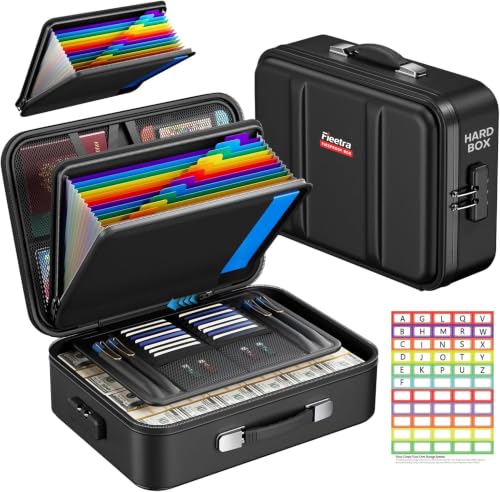
Fieetra Fireproof Document Box
Keeps your passports, account papers, and emergency cash safe from fire and water in one locked place. When you need your records during a crisis, they will be ready and undamaged.
Check Price on Amazon
RFID Blocking Cards 6-Pack
Slip these thin cards into your wallet to block thieves from scanning your debit and credit cards. This stops unauthorized reads before your financial information can be stolen.
Check Price on Amazon
ENGPOW Fireproof File Organizer
The 13 labeled pockets help you sort account statements, IDs, and insurance papers so you can grab them fast. Its fireproof and water-resistant layers guard your documents during emergencies.
Check Price on AmazonIn this guide
Why Trust This Guide?
This article was researched and reviewed by contributors with hands-on experience in emergency preparedness. They have tested gear, built real systems, and lived through situations where these skills actually mattered.
Review Who and What Can Access Your Accounts
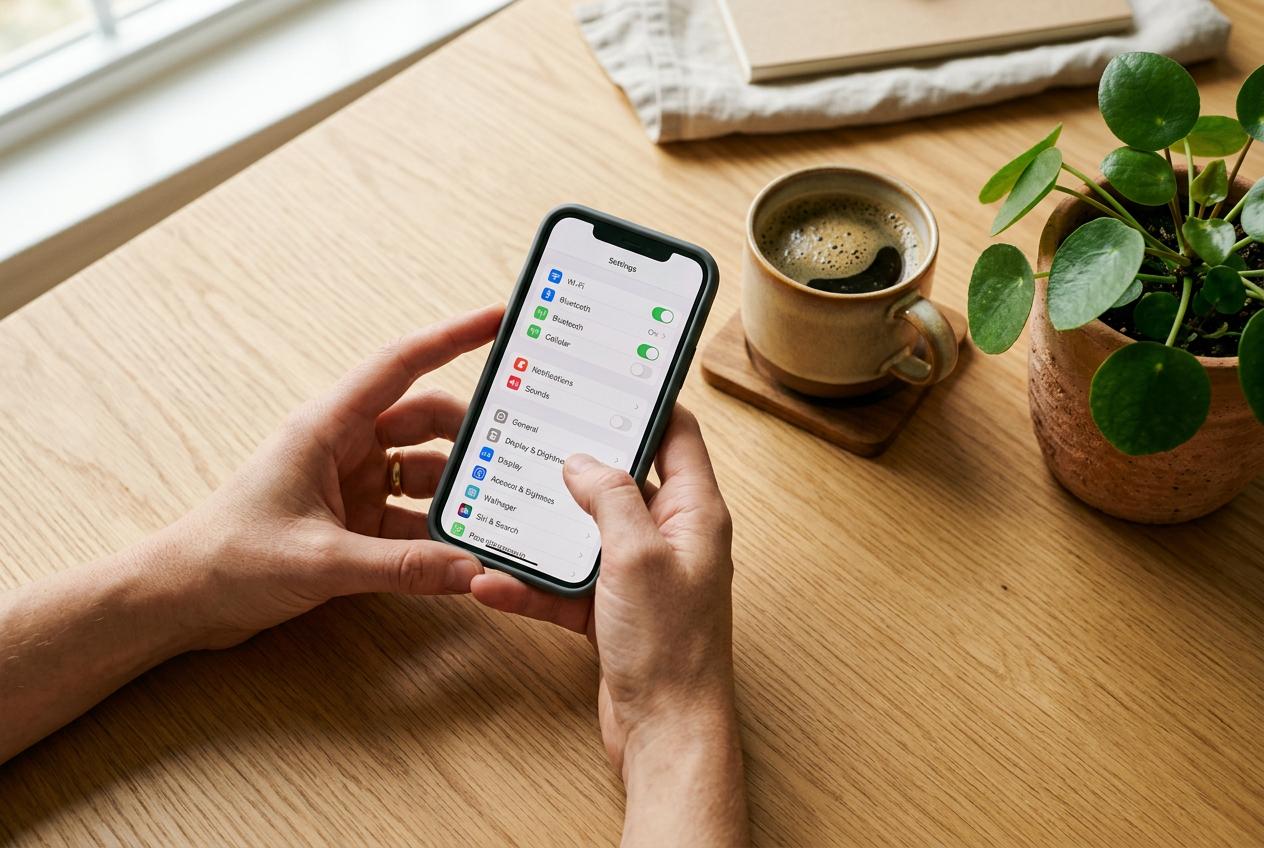
Your bank account is not just open to you. Over time, you may have linked it to other apps and services. Think budgeting tools, payment apps, or an online store that saved your bank info. Each link is a door into your money. If you forget those doors exist, you cannot watch them.
Recently, major U.S. banks reported finding unauthorized third-party AI agents inside customer accounts. That means software was logging in and acting on its own. This is a good reminder to check who and what can reach your money. A quick review can close doors you do not need.
What “connected apps” and permissions mean
A connected app is any outside service you gave permission to see or use your account. For example, a budgeting app might read your transactions. A payment app might pull money when you send a friend cash.
Permissions are the rights you gave that app. Some apps can only view your balance. Others can move money or see your full history. The more an app can do, the more careful you should be.
Many of these links use a tool called “open banking.” It lets apps connect to your bank in the background. That can be handy. But it also means access can stay on long after you stop using the app.
How to find connected apps in your bank
Most bank apps and websites have a spot to manage this. The exact name changes from bank to bank. Look for menus like:
- Security
- Privacy
- Settings
- Account access
- Linked accounts or connected apps
- Authorized apps or third-party access
Open your bank app. Tap your profile or the menu icon. Then look under Security or Settings. If you cannot find it, use the search bar inside the app. Try words like “connected” or “access.” You can also call your bank and ask where to review third-party access.
Revoke what you do not recognize
Once you find the list, read it slowly. For each app, ask yourself three questions:
- Do I know this app or service?
- Am I still using it?
- Does it need this much access?
If you do not recognize an app, remove it. If you stopped using a service months ago, remove it too. You can always reconnect a trusted app later. Removing access is often a simple button like “Revoke,” “Remove,” or “Disconnect.”
Also check your payment apps and online stores. Many of them store your bank login or card. Remove any you no longer use.
Make this a habit
Do this review every few months. Set a reminder on your phone. New apps and links pile up fast. A short check-up keeps your account clean and lowers the chance that a stray connection becomes a problem.
This one habit costs nothing. It only takes a few minutes, and it puts you back in control of who can touch your money.
Lock Down Your Logins: Passwords and Multi-Factor Authentication
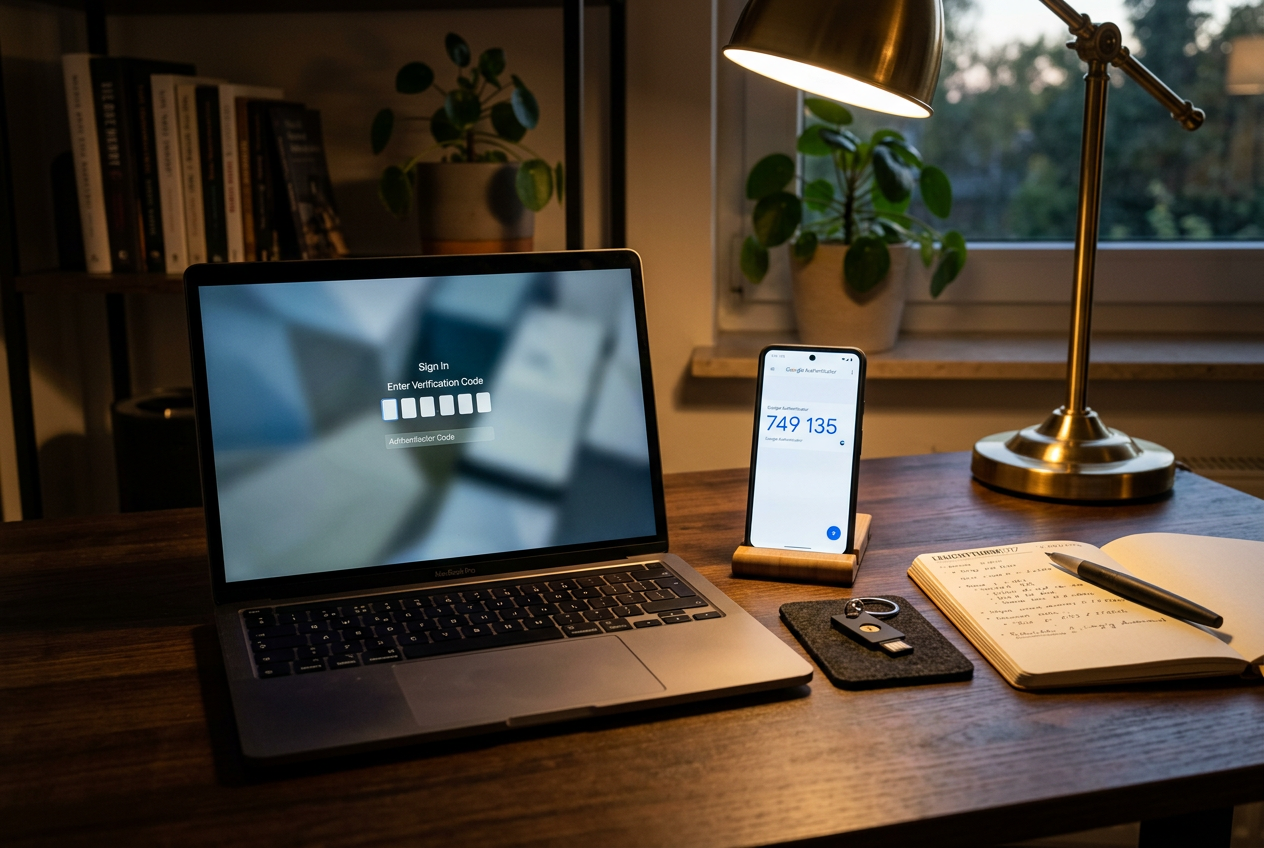
Your password is the front door to your money. A weak password is like a door with a broken lock. Let’s make it strong.
Use a Unique, Strong Password for Every Account
A strong password is long and hard to guess. Aim for at least 12 characters. Mix in letters, numbers, and symbols. Skip easy picks like your name, your birthday, or the word “password.”
Here is the key rule: never reuse the same password on more than one account. If you use one password everywhere, a thief who cracks it can walk into all your accounts at once. That includes your bank.
A good trick is to use a passphrase. String together a few random words with some numbers and symbols. Something like “Purple7Turtle!Rain” is long, odd, and tough to crack. It is also easier to remember than random letters.
Let a Password Manager Do the Hard Part
Remembering a different strong password for every account is nearly impossible. That is where a password manager helps.
A password manager is a tool that stores all your passwords in one secure, locked place. It can also create strong passwords for you. You only need to remember one master password to open it. The manager fills in the rest when you log in.
This matters because it lets you keep every password unique without trying to memorize them. Pick a long, strong master password and do not share it with anyone.
Turn On Multi-Factor Authentication
Multi-factor authentication, often called MFA, adds a second lock to your accounts. After you type your password, you prove it is really you in a second way. This might be a code sent to your phone or a code from an app.
Why does this help? Even if someone steals your password, they still cannot get in without that second step. It is one of the simplest ways to protect your money.
Turn on MFA for your bank accounts first. Most banks offer it in the security settings. If you cannot find it, call your bank and ask how to set it up.
When you can, use an authenticator app instead of text message codes. App codes are harder for thieves to grab. Still, any MFA is far better than none.
Protect Your Email Too
Your email might seem unrelated to your money. It is not. Your email is often the master key to your other accounts.
Think about it. When you forget a bank password, where does the reset link go? Your email. If a thief controls your email, they can reset your bank password and lock you out.
So treat your email like a bank account. Give it a unique, strong password. Turn on MFA there too. Protecting your inbox protects your money.
These steps take a little time to set up. Once they are in place, they guard your accounts every single day.
Protect Your Cards From Scanning and Skimming
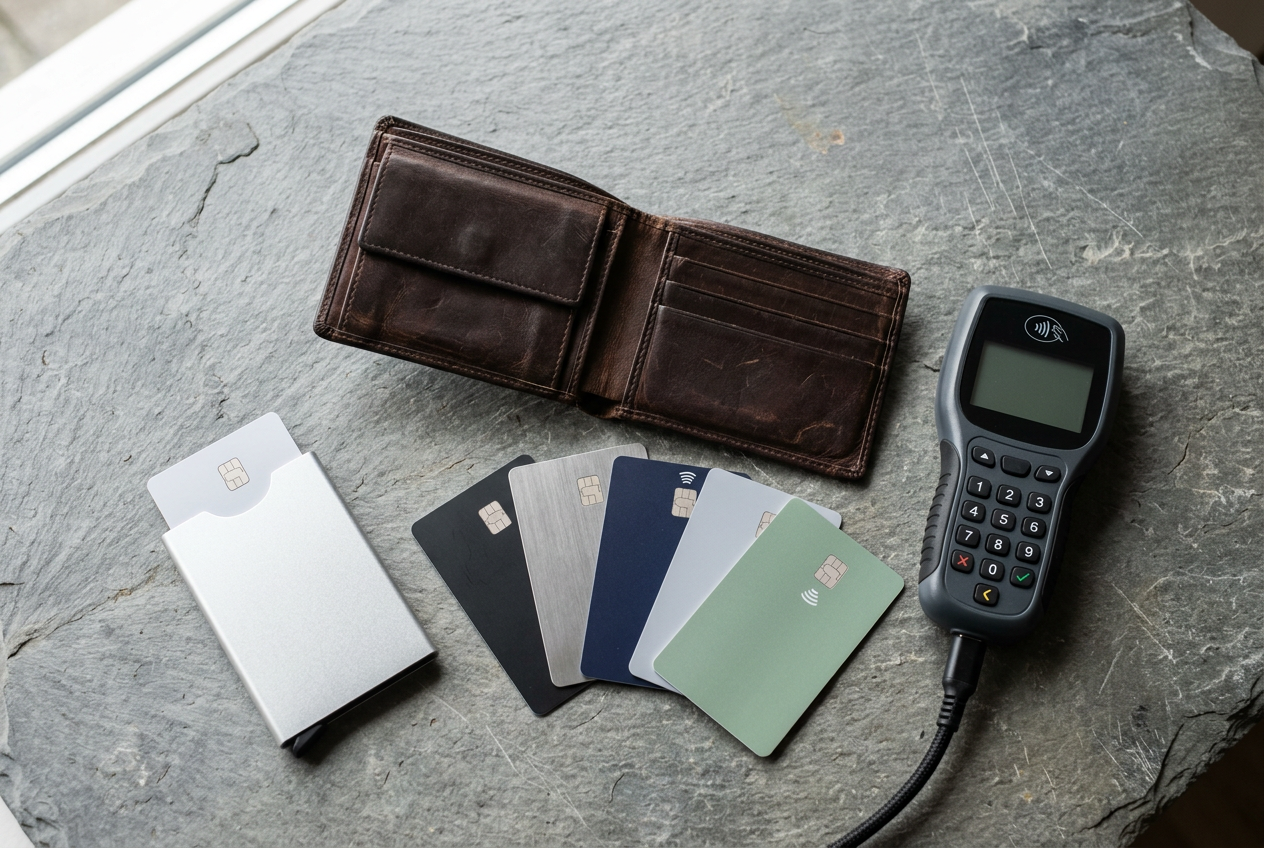
Many debit and credit cards now let you tap to pay. These are called contactless cards. They use a small chip and antenna that send your card info over a short radio signal. The technology is called RFID or NFC. When you tap your card at a register, that signal does the work.
The signal only reaches a short distance. But in theory, a device held very close to your wallet could read a contactless card. People call this electronic pickpocketing. It is not the most common way money gets stolen. Still, some people like having one more layer of protection.
How RFID-Blocking Cards Work
An RFID-blocking card is a thin card you slip into your wallet. It sits next to your real cards. When a scanner sends out a radio wave, the blocking card senses it and creates a jamming signal. That scramble stops the scanner from reading your cards clearly. The card needs no battery and no charging. It just works as long as it stays in your wallet.
Keep your expectations realistic. A blocking card is a small, cheap add-on. It does not protect you from online theft, stolen passwords, or scams. The most important thing is still to watch your accounts and report any charge you do not recognize. Think of an RFID blocker as a minor extra, not a main defense.
Comparing the Options
If you want to try one, here are three simple choices. They all do the same basic job. The main differences are the number of cards in a pack and the build.
The runzoos set comes with six cards. It uses a slim design meant to fit in a wallet or purse without adding bulk. Six cards is handy if you want to cover more than one wallet or share with family.
The SaiTech IT set comes with five black cards. It lists a working distance of about 2.4 inches, which means one card helps protect the cards within roughly 1.2 inches on each side. If your wallet is thick, you may want a card on each side.

The WHonor set comes with six cards made from PVC. It is listed as waterproof and scratch resistant, and it is very thin at about 0.76 millimeters. The maker says it will not demagnetize your other cards or mess with your phone signal.

The Simple Takeaway
Pick whichever pack fits your wallet and your budget. Slide a card in and forget about it. Just do not let it give you a false sense of safety. Checking your statements often will catch far more problems than any blocking card. Use this step as a bonus, then move on to the stronger habits in the rest of this guide.
Keep Some Emergency Cash on Hand
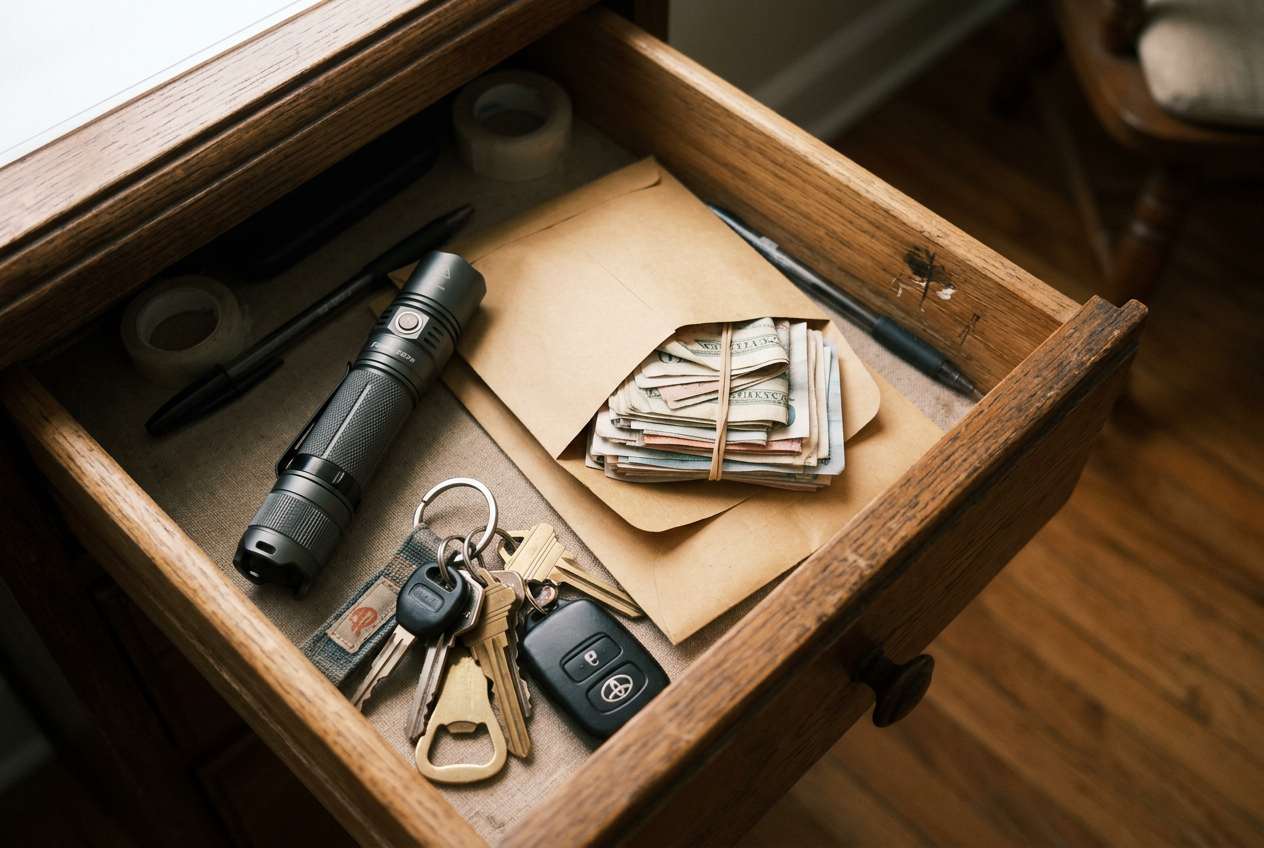
Most of the time, your cards and phone handle every payment. You tap, swipe, or click, and you are done. But that system only works when the power is on and the networks are running. A storm, a bank outage, or a locked account can change that fast. If card readers go down, cash is the only thing that still works.
That is why a small amount of cash at home is smart. It is a simple backup. You do not need a large pile. You just need enough to cover a few basic needs for a short time. Think gas, food, water, or a quick purchase when stores can only take cash.
How Much to Keep
Keep the amount modest. A reasonable goal is enough to get your household through a day or two of small purchases. There is no single right number. It depends on your family size and your normal spending. Start small. You can always add a little over time.
Avoid the urge to stash large sums at home. Hoarding cash is not the goal here. Big amounts can be lost, stolen, or damaged, and cash in your home earns nothing. Your main savings belong in a bank or credit union, where they are protected. The home cash is only a short-term bridge.
Use Small Bills
Keep the cash in small bills. Stock mostly fives, tens, and ones. If card systems are down, many sellers cannot make change. A cashier may not be able to break a large bill. Small bills let you pay the exact amount and move on. A mix of small bills is far more useful than a few big ones.
Store It Safely
Where you keep the cash matters. Do not leave it loose in a drawer or taped under a shelf. Put it in a sealed envelope. Then store that envelope in a secure, out of sight spot.
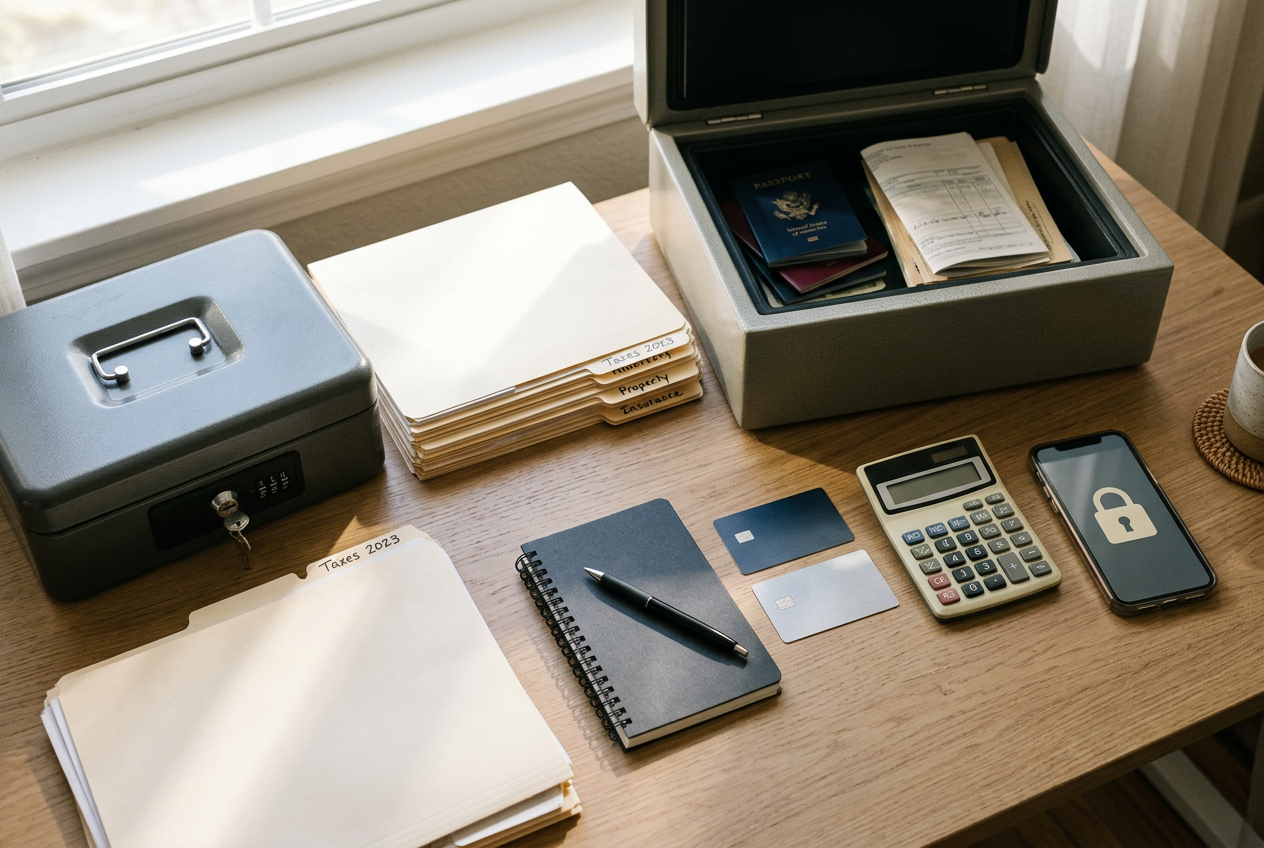
A locked, fireproof box is a good home for it. The same box can hold your key financial documents, which we cover in the next section. Many document boxes include card slots and a locking closure, so your cash stays protected from fire, water, and curious hands.
Keep the box in a spot you can reach quickly but others cannot easily find. Tell a trusted family member where it is. That way the cash is available in an emergency, even if you are not home.
Check It Now and Then
Cash set aside is easy to forget. Review it a couple of times a year. Make sure the amount is still right for your household. Confirm the bills are small and in good shape. If you ever spend some of it, refill the envelope when you can. A quick check keeps your backup ready for the day you actually need it.
Safeguard Your Key Financial Documents
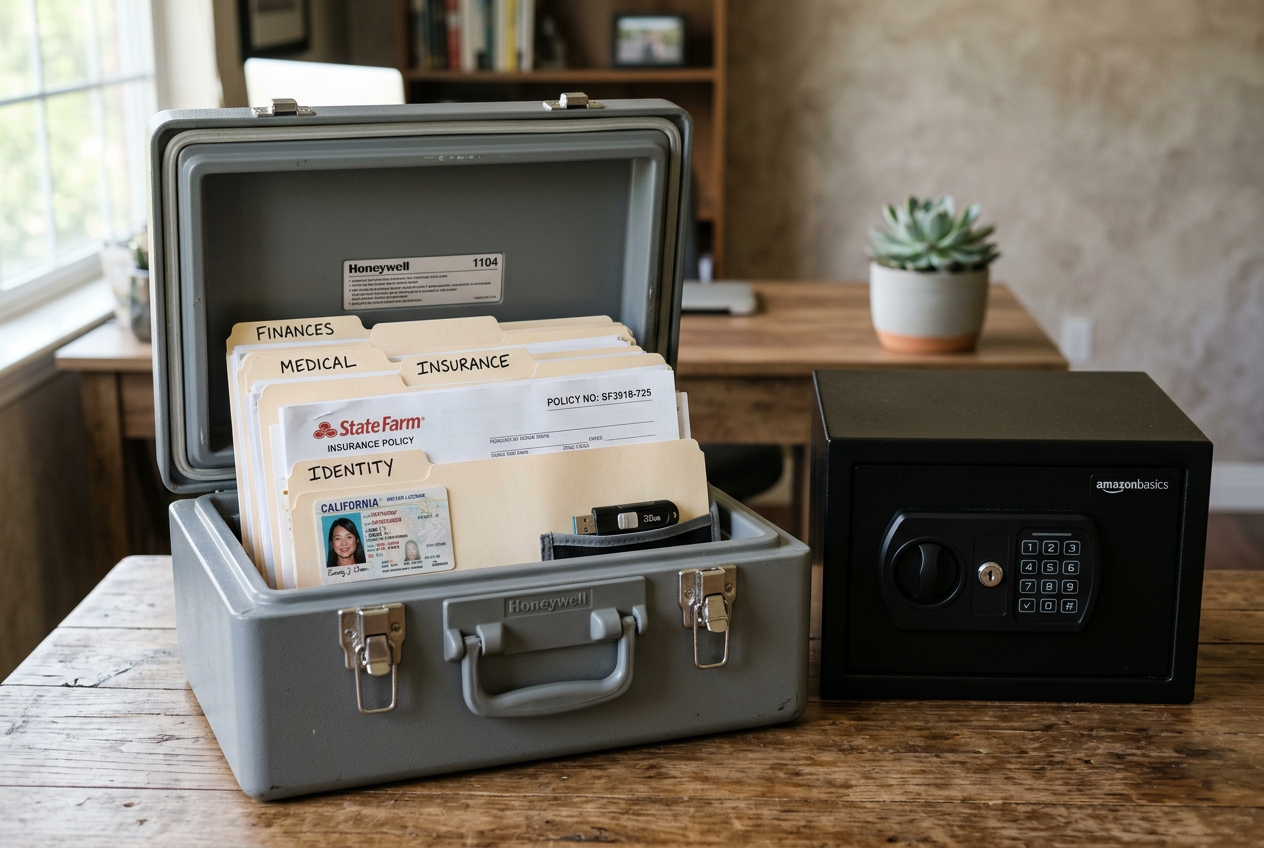
If you had to leave home fast, could you grab your important papers? Many people cannot. A good first step is to gather your key financial documents in one place. Then store them where they stay safe and are easy to grab.
What Papers to Gather
Start with a simple list. Pull together copies of these items:
- Bank and credit union account numbers
- Photo IDs like your driver’s license and passport
- Insurance policies for home, auto, health, and life
- Contact numbers for your banks, agents, and advisors
- Recent statements or proof of key accounts
Keep copies, not just the originals. That way, if one set is lost or damaged, you still have a backup. Store copies in a secure, water- and fire-resistant spot. A waterproof and fireproof container helps protect these papers from fire, flood, and wet weather.
Pick a Container You Can Grab
The best container is one you can carry out the door in seconds. Look for a lock to keep the contents private. Look for pockets or folders so you can sort papers fast. Below are three options to compare. Two are soft bags with many pockets. One is a hard case box.
The Fieetra box uses a hard outer shell. A rigid case resists drops and pressure and keeps files flat. It meets the UL-94 V-0 fireproof standard. It comes with 12 detachable accordion pockets and a lock.
The ENGPOW bag is a soft, multi-layer file organizer. It is fireproof and water-resistant and passed the UL94 V-0/5VA flame test. It holds a lot. You get 13 labeled pockets, 8 passport mesh bags, 16 card slots, and more. A combination lock keeps items secure. No keys needed.

The DocSafe bag is also a soft, multi-layer design. It uses 8 fireproof layers and an aluminum foil lining. The main material passed the 5VA flame test. It has 8 passport bags, 16 card slots, and 7 folder layers. A combination lock and waterproof zippers add protection.
Compare the Options
Pick the one that fits how you pack. A hard case keeps papers flat and resists crushing. A soft bag holds more and stays light. Any of these beats loose papers in a drawer. Once your documents are inside, keep the container in one known spot so anyone in your home can find it fast.
What to Do If You’re Locked Out or an Account Is Compromised
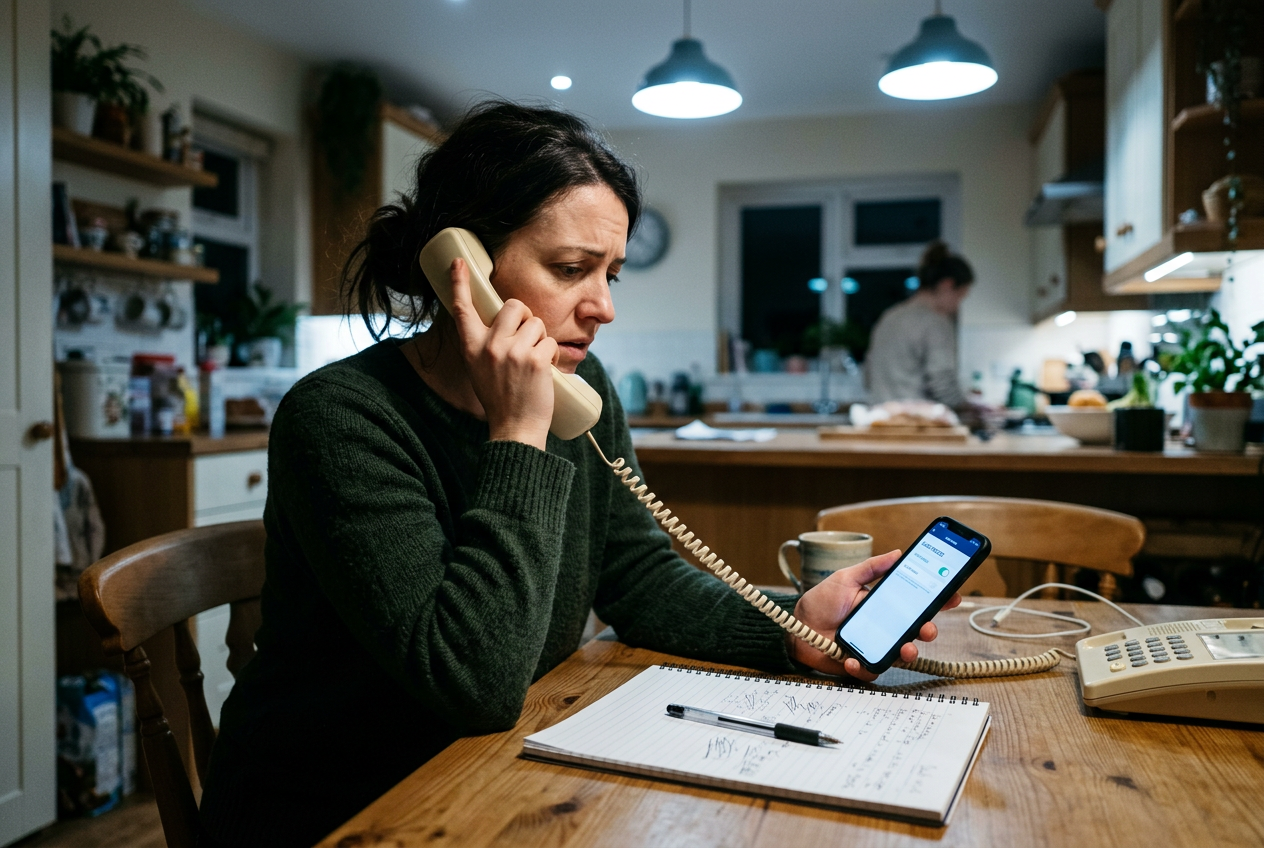
Finding you cannot log in to your bank can feel scary. So can seeing a charge you did not make. Take a breath. Most problems get fixed faster when you stay calm and work through clear steps. Here is what to do.
Step 1: Contact Your Bank the Safe Way
Call your bank right away. But only use a number you know is real. Look on the back of your card. Or check your bank’s official website or app. Do not call a number from a text, email, or voicemail you were not expecting. Scammers send fake alerts hoping you will call them instead.
If someone calls you first and says they are “from the bank,” hang up. Then call the bank back using the number you trust. A real bank will not mind you doing this. This simple step stops many scam callbacks cold.
Step 2: Freeze or Lock Your Card
Many banks let you lock or freeze your card right inside their app. This stops new charges while you sort things out. If you cannot reach the app, ask the bank to lock the card when you call.
Freezing is often better than closing the account at first. It gives you time to check what happened without cutting off your money. Your bank can tell you the best choice for your situation.
Step 3: Change Your Passwords
Change the password for your bank login. Make it long and different from your other passwords. If you used that same password anywhere else, change it there too. Turn on multi-factor authentication if you have not already. That means a code sent to your phone or an app, on top of your password.
Step 4: Report the Fraud
Tell your bank about any charge you did not make. Ask them to open a fraud claim. Many banks can reverse unauthorized charges, but you often need to report them quickly. Ask about the deadline so you do not miss it.
If someone used your identity, report it at IdentityTheft.gov. You can report fraud to the FTC.
Step 5: Keep a Record
Write down what happens as you go. Note the date and time you called. Write down the name of each person you spoke with. Keep any case or claim numbers they give you. Save emails and letters from the bank too.
This record helps if you need to follow up. It also protects you if the problem is not fixed the first time.
Stay Steady and Move Step by Step
Do not rush. Scammers want you to panic and act fast. Real banks will give you time to check and confirm. Work through these steps one at a time. If you feel unsure about a call or message, stop and reach out to your bank yourself through a number you trust.
Frequently Asked Questions
How often should I review the apps connected to my bank account?
Check your connected apps a few times a year. A good habit is to review them every three months. You can also do a quick check after you sign up for a new budgeting tool or payment service. Look for any app or service you do not recognize. If you see one you no longer use, remove its access. Recent reporting shows that major U.S. banks found unauthorized third-party AI agents inside customer accounts. That makes regular checks even more important. The goal is simple. You want to know who and what can reach your money.
Do I really need RFID blockers?
RFID blockers are a low-cost, optional step. They are small cards or sleeves that block wireless scanning of your contactless cards. Some people like the extra peace of mind, especially when traveling or in crowded places. Others feel their normal cards and bank alerts are enough. There is no wrong answer here. If you want a simple way to shield your cards, slim blocking cards like the runzoos RFID Blocking Cards slide right into a wallet and add no bulk. Think of them as a nice-to-have, not a must-have.
How much emergency cash should I keep at home?
Keep a small amount of cash you can reach quickly. There is no single right number for every household. A reasonable goal is enough to cover a few days of basics, like food, fuel, or small supplies, if you cannot use your cards. Keep it in a secure, dry place. Do not keep large sums at home. Your main savings belong in an insured bank account. The cash at home is just a short-term backup for when systems are down or you cannot get to a bank.
How can I spot a scam message pretending to be my bank?
Scam messages try to rush you. Watch for a few warning signs:
- The message says your account is locked and you must act now.
- It asks for your password, PIN, or a code sent to your phone.
- It includes a link that does not match your bank’s real website.
- The sender’s email or number looks odd or slightly off.
Your bank will never ask for your full password or a one-time code. If a message feels wrong, do not click the link. Do not reply. Instead, open your bank’s app yourself or call the number on the back of your card. Let your bank confirm if anything is real.
What if I think I already clicked a bad link?
Act fast but stay calm. Change your bank password right away. Turn on multi-factor authentication if you have not already. Then call your bank and tell them what happened. Watch your account for charges you do not recognize. Catching it early gives you the best chance to stop any damage.
Your Financial Preparedness Action Checklist
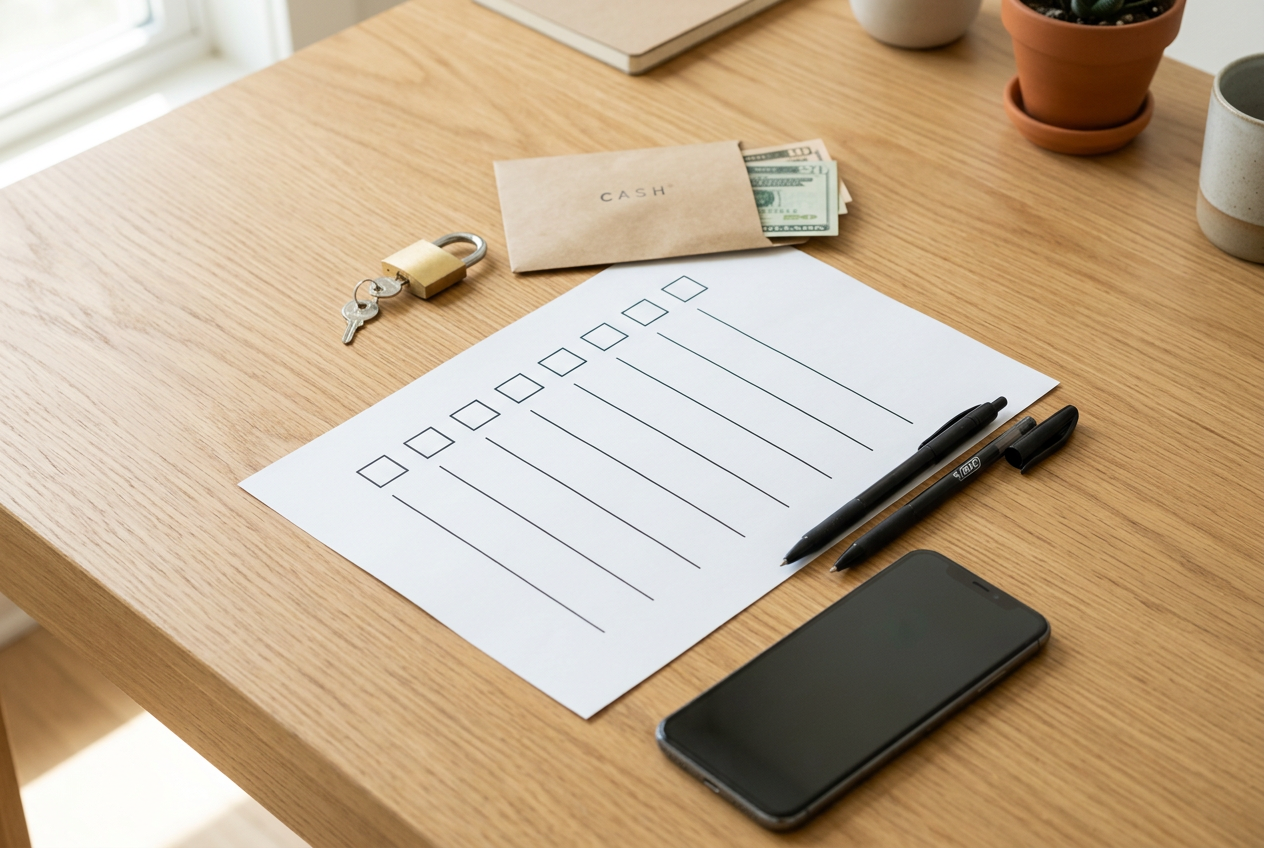
Here is every step in one place. Work through it in one sitting if you can. You do not need to buy anything to finish most of this list. Want a copy? Print this page and check off each box with a pen.
Account Access and Logins
- Log in to each bank and card account. Look for connected apps or third-party access.
- Remove any app or service you do not recognize or no longer use.
- Turn on multi-factor authentication (MFA) everywhere it is offered.
- Set up a password manager. Let it create strong, unique passwords for each account.
- Change any password you reused across sites.
- Turn on account alerts for logins and large charges.
Cards and Daily Habits
- Check your cards for tap-to-pay (contactless) symbols.
- Add an RFID blocking card to your wallet if you want extra peace of mind.
- Review recent transactions for small, odd charges.
- Limit debit card use for online shopping.
Emergency Cash
- Set aside a small amount of cash in small bills.
- Store it in a safe, dry spot you can reach fast.
- Do not keep large sums at home. This is backup, not your whole plan.
Key Documents
- Gather IDs, insurance policies, account numbers, and key contacts.
- Store copies in a secure, water-resistant, fireproof container.
- Keep a second copy in another safe place if you can.
A locking fireproof box or bag keeps these papers together and protected. Options with labeled pockets make it easy to find what you need fast.
Fraud Contacts
- Find your bank’s fraud or lost-card phone number.
- Save it in your phone and write it on paper.
- Know the steps to freeze or lock a card from the app.
Quick Reference
Use this table to track your progress at a glance.
Do not rush to finish all at once if your time is short. Even one step today makes you safer than yesterday. Start at the top and go down the list. When you reach the bottom, you will have covered the basics that protect your money.
Set a reminder to review this list again in a few months. Accounts, apps, and passwords change over time. A quick check keeps your setup current.
Next Steps: Keep It Simple and Repeatable
Good account hygiene is not a one-time job. It works best when you turn it into a simple habit. You do not need to do everything at once. A few small steps, repeated a few times a year, will keep your money and your records safe.
Set a Quarterly Account Review
Pick one day every three months to check your accounts. Put it on your calendar now so you do not forget. A quarterly rhythm is easy to remember, and it keeps problems from piling up.
During each review, do these quick checks:
- Look at the apps and services connected to your bank and card accounts. Remove any you no longer use or do not recognize.
- Scan your recent transactions for charges you did not make.
- Confirm that multi-factor authentication is still turned on.
- Update any weak or reused passwords you spot.
This whole review should take less than an hour. The goal is to catch small issues early, before they grow.
Keep Your Document Kit Current
Your financial documents change over time. Insurance policies renew. Account numbers change. New cards arrive. So your document kit needs a check too.
When you do your quarterly review, open your document storage and make sure everything is up to date. Replace old insurance papers. Add any new account details. Pull out expired cards. If you keep copies of IDs or policies, check that they still match reality.
A fireproof, water-resistant box helps keep these records safe and in one place. If you do not have one yet, an option like the DocSafe fireproof document organizer can hold IDs, policies, and account information together. Keeping everything organized makes your quarterly check faster.
Three Things You Can Do Today
You do not have to wait for your first review to start. Take these simple actions right now:
Turn on multi-factor authentication. Log in to your main bank account and switch it on if you have not already. This is one of the strongest ways to block unauthorized access.
Check your connected apps. Look at the third-party apps and services linked to your bank. Remove anything you do not use or trust. Recent reports of unauthorized AI agents inside customer accounts show why this matters.
Set a small cash reserve. Put a modest amount of cash somewhere safe at home. Even a little helps if you cannot reach your accounts for a short time.
Keep It Simple
The best plan is the one you will actually follow. You do not need fancy tools or a big budget. You need a short checklist and a regular date on the calendar.
Start small. Do the three actions above today. Then set your first quarterly review. Over time, these habits become second nature, and your money stays better protected with very little effort.
Sources and Further Reading
- Start or add to an emergency savings fund • Keep secure …
- Seven Financial Precautions That Can Help You Recover …
- 8 Steps for Financial Safety Young People Need to Know …
- Bank Account Management, 9 Best Practices To Secure …
- Financial Prepping
- How to prepare your finances for emergencies
- Prep Now, Stress Less: 4 Essentials to Build a Financial…
- Maloney Davis Wealth Management: Tips for Financial …
- How to prep your finances for a natural disaster - Ashvin Chheda
- Preparing for a Banking Crisis: Strategies for Financial …
- Financial preparedness
- Report identity theft
- Report fraud to the FTC